

Your AI tools can now talk directly to your databases. DBeaver PRO 26.0 adds support for MCP servers, a new command-line tool called dbvr, and a simpler way to get DBeaver through AWS Marketplace.
Connect AI tools and IDEs to your databases
You can now connect AI assistants and IDEs to your databases using MCP (Model Context Protocol). CloudBeaver Enterprise, CloudBeaver AWS, and DBeaver Team Edition Web all work as MCP servers.
Without MCP, AI assistants in your IDE have no visibility into your database structure, so suggestions tend to be generic. With MCP, your AI connects to the server and works with real metadata: actual table names, columns, and relationships. It can also run queries directly, all while respecting the access permissions and connection settings already configured for your team.
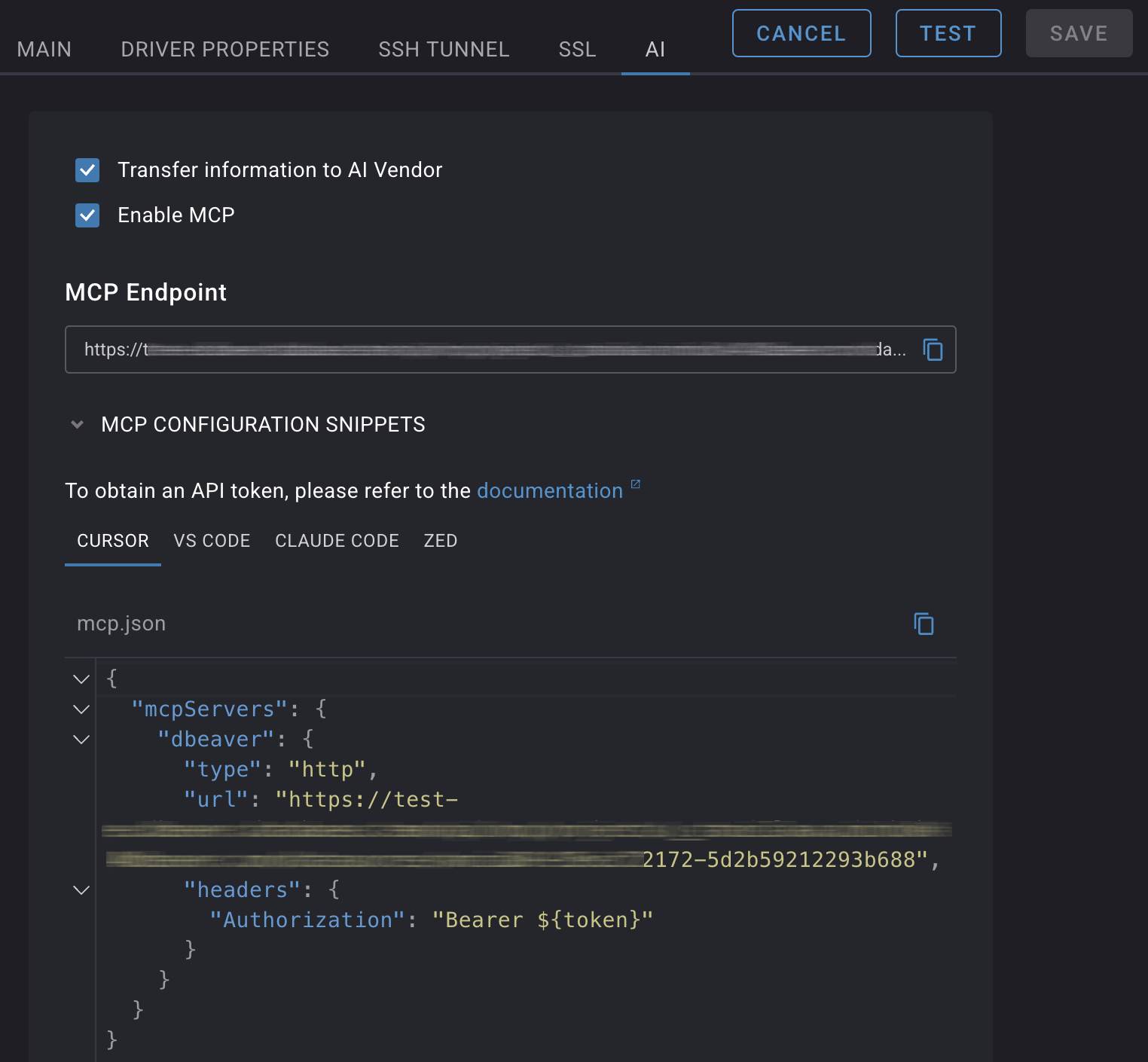
To set it up, the Administrator enables the feature in the Administration panel and turns MCP on for the individual connection. From there, any user with access to this connection can copy a ready-made configuration snippet into their IDE.
You can find setup instructions in the MCP Server documentation.
DBeaver Ultimate is now on AWS Marketplace
If you already work in AWS, you can now get Windows-based and Linux-based DBeaver Ultimate directly from the AWS Marketplace. The most powerful of DBeaver’s desktop editions, combining advanced data management, cloud database connectivity across AWS, GCP, and Azure, and a full SQL development toolkit in one application. The Marketplace version runs as a per-user instance within your AWS infrastructure, using your existing cloud setup.
There’s no license file to import, and no local installation required. If your organization doesn’t allow software on local machines due to compliance policies, this is a straightforward option.
If you have an existing business agreement with AWS, purchasing is simple. DBeaver Ultimate is distributed under the standard AWS Marketplace license, so no additional legal review is needed. If you buy through Marketplace credits or resellers, it fits into that process without extra steps. And regardless of how you subscribe, priority support is included.
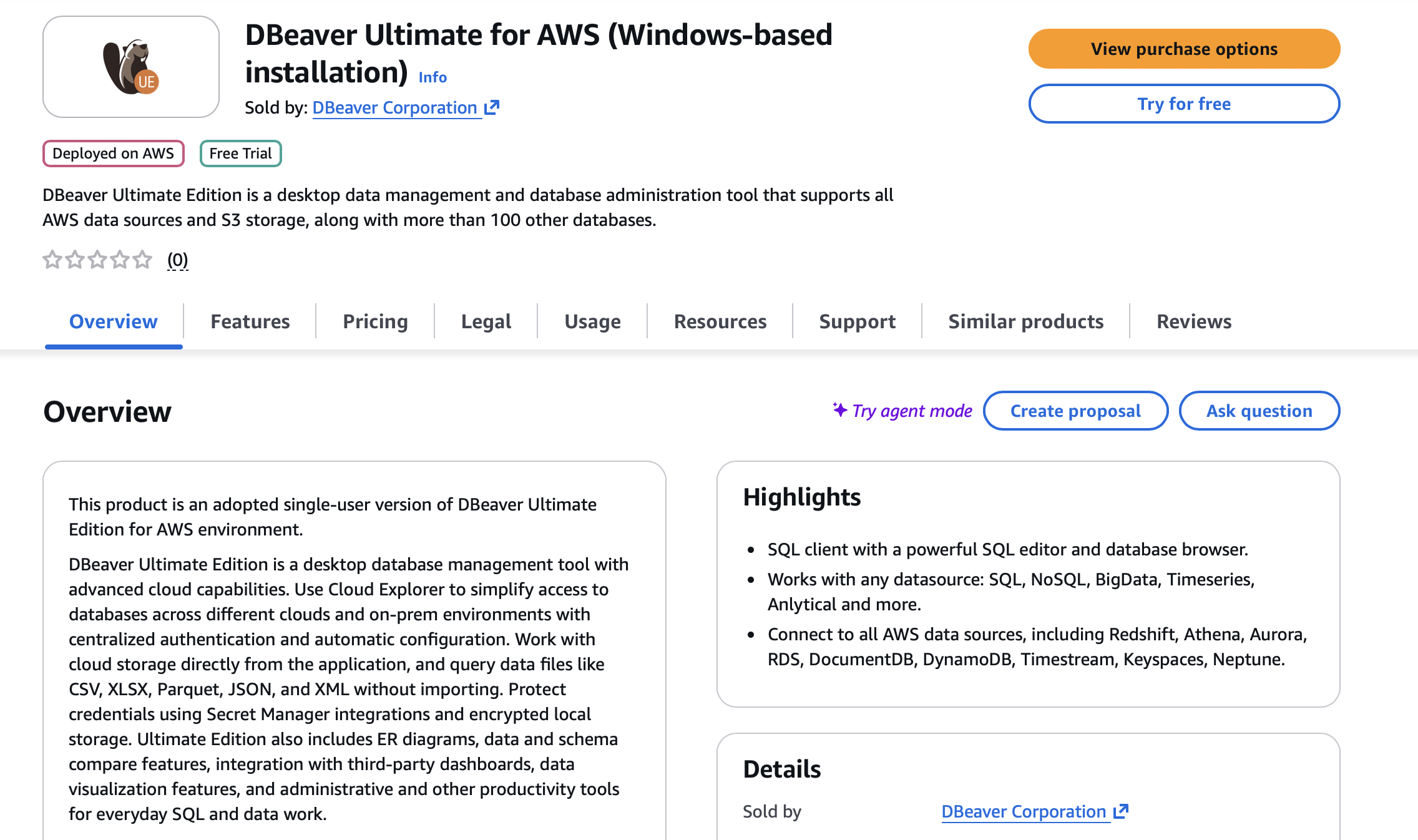
CloudBeaver AWS, the AWS-adapted web application, is also available on AWS Marketplace with the same purchasing benefits for teams that work with a browser.
Track team activity with audit logging
Teams that need to meet security or compliance requirements can now get a full audit trail of activity across the platform. Audit logging in CloudBeaver Enterprise and DBeaver Team Edition gives administrators a complete, timestamped record of user activity. It makes it easier to investigate incidents and stay in control of who did what.
The feature is off by default. The assigned Administrator can turn it on from the Administration panel when the team is ready to start collecting logs.
Once active, it covers a broad range of events: authentication, project and connection changes, SQL and file operations, cloud storage activity, license and server configuration updates, preference changes, and user and team management actions.
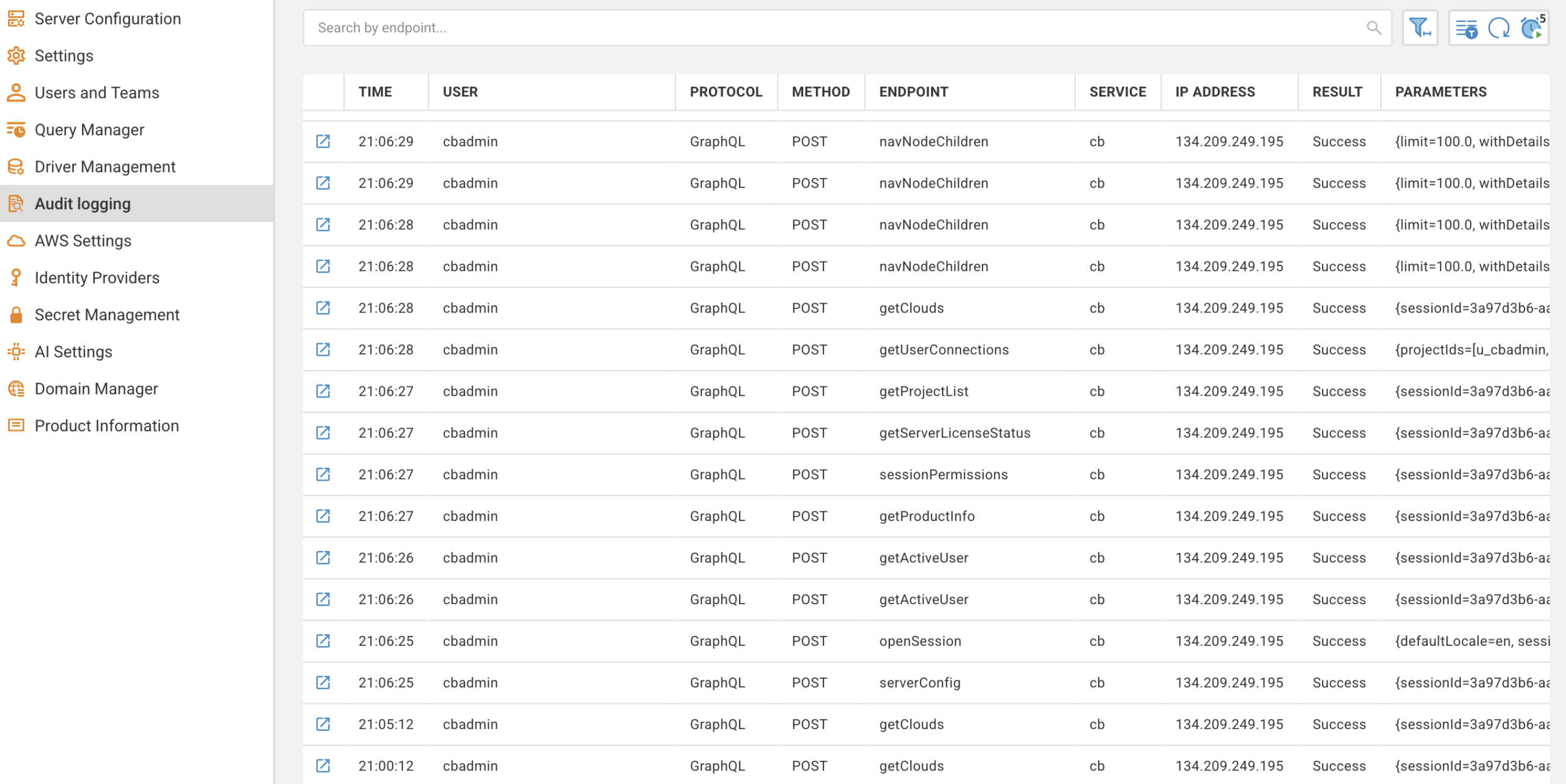
Administrators can view logs directly in the Administration panel and export them by querying the internal database or via the REST API. This makes it easy to pipe audit data into existing monitoring or compliance tools.
Introducing dbvr: a new command-line tool for database operations
This release also introduces a new product in the DBeaver family. dbvr is a lightweight CLI for running database operations without a graphical interface. If you work with headless environments, CI/CD pipelines, or server-side workflows, it gives you a single tool for executing SQL scripts, exporting query results to cloud storage (S3, GCS, or Azure Storage), and running backup validation checks, all from the command line.
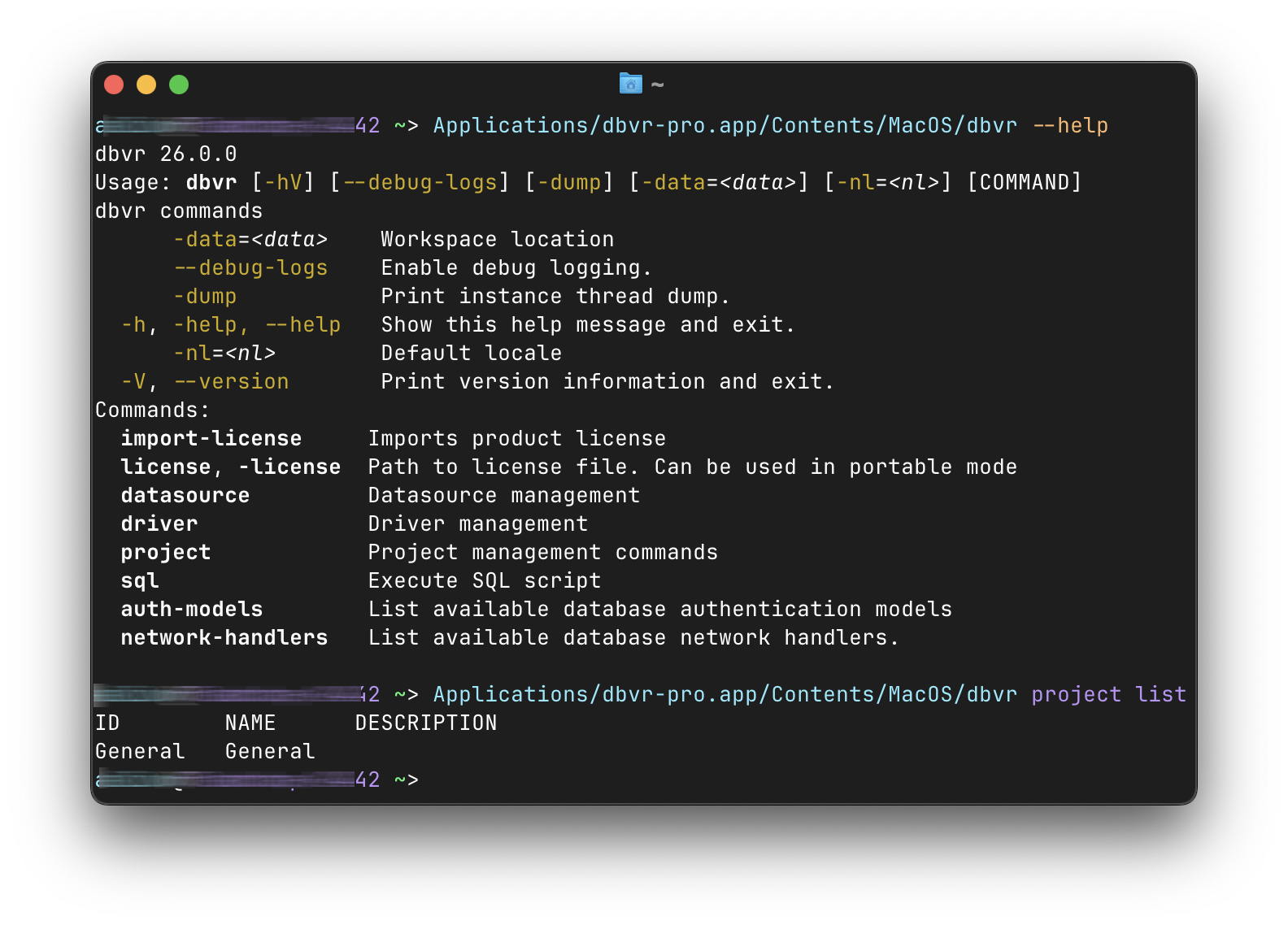
It works across multiple SQL and NoSQL databases, so there’s no need to maintain separate CLIs per database engine. It also supports native authentication for AWS, GCP, and Azure, so it fits naturally into cloud-based infrastructure.
More updates in DBeaver PRO desktop
Version 26.0 also brings a handful of improvements to the desktop experience.
- Upload files directly to AI Chat to preview them as a table or import the data into your database. You can also run popular DBeaver tools from the chat, including data transfer, data comparison, data export, schema comparison, connection creation, and opening editors.
- Configure custom instructions for AI engines and track usage with built-in statistics showing token consumption and execution time per request.
- Execute multiple queries faster, and work with smarter data grouping.
- Compare more than one pair of objects at a time in the Data Compare tool.
For the full list of changes, see the release notes.
DBeaver PRO 26.0 is available now
Visit the download page to get started.