

What you can do
Once connected, you can use DBeaver features with your Databricks workspace.
Data Editor
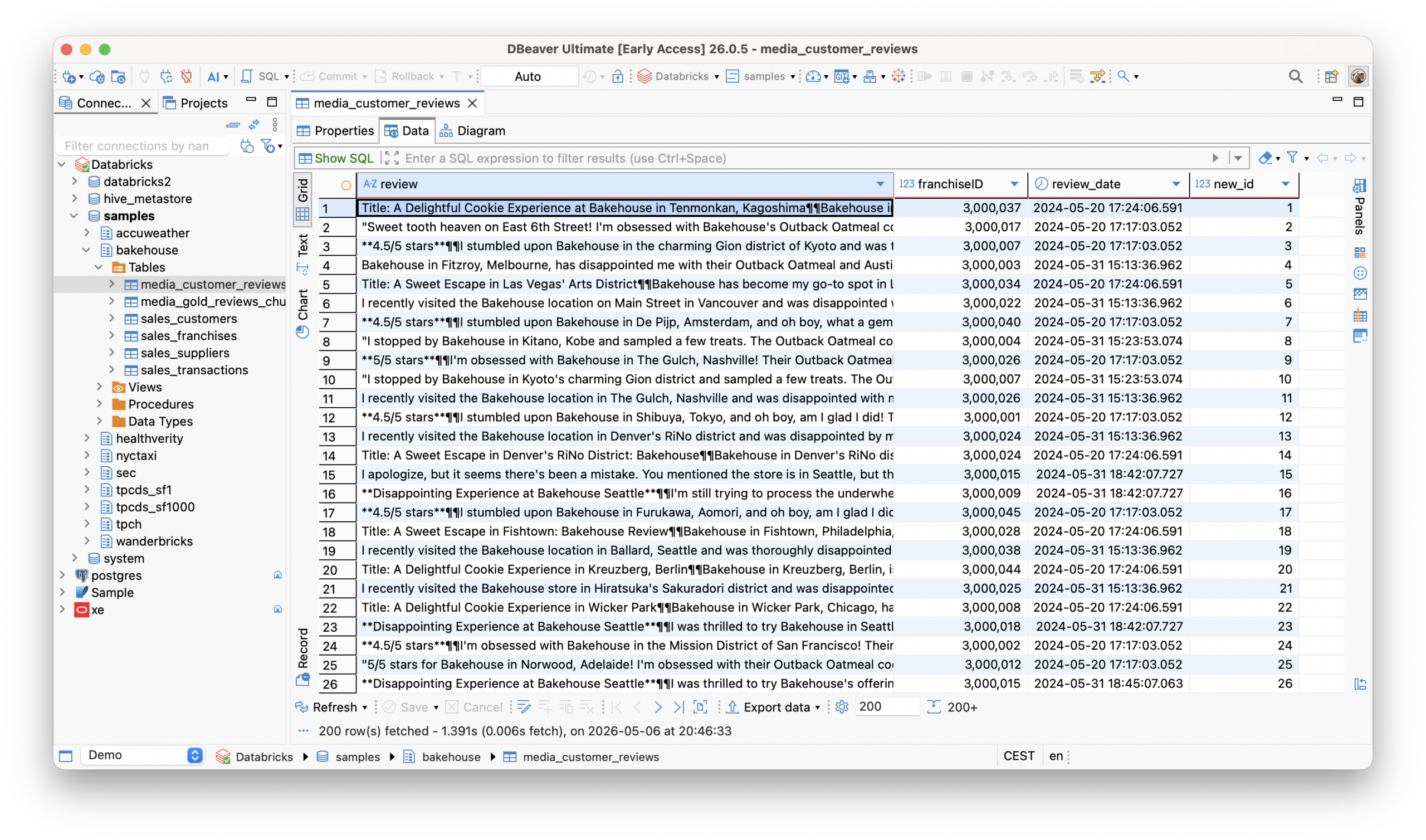
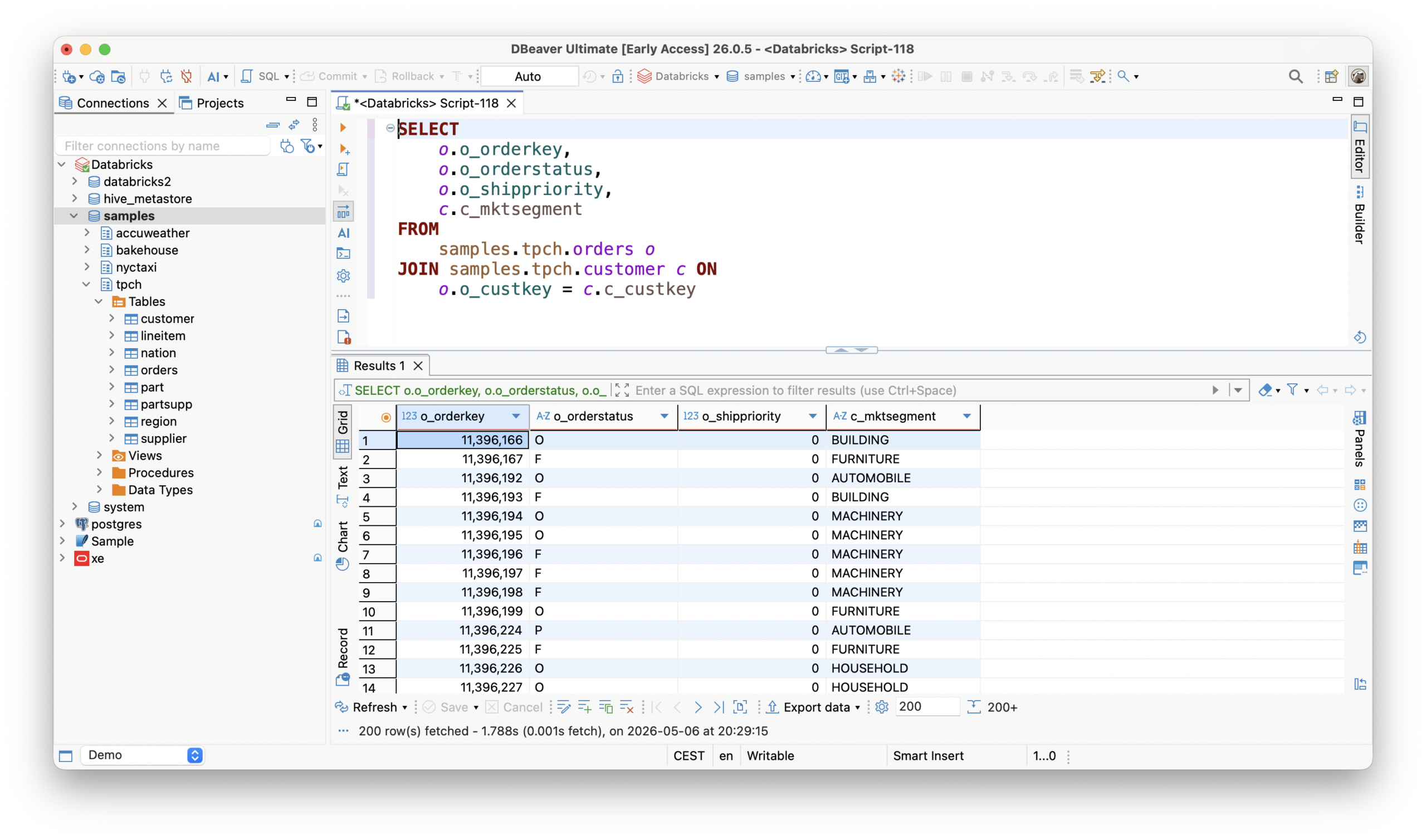
View, edit, sort and filter data in an intuitive interface. Use a navigation tree to browse your data sources.
SQL Editor
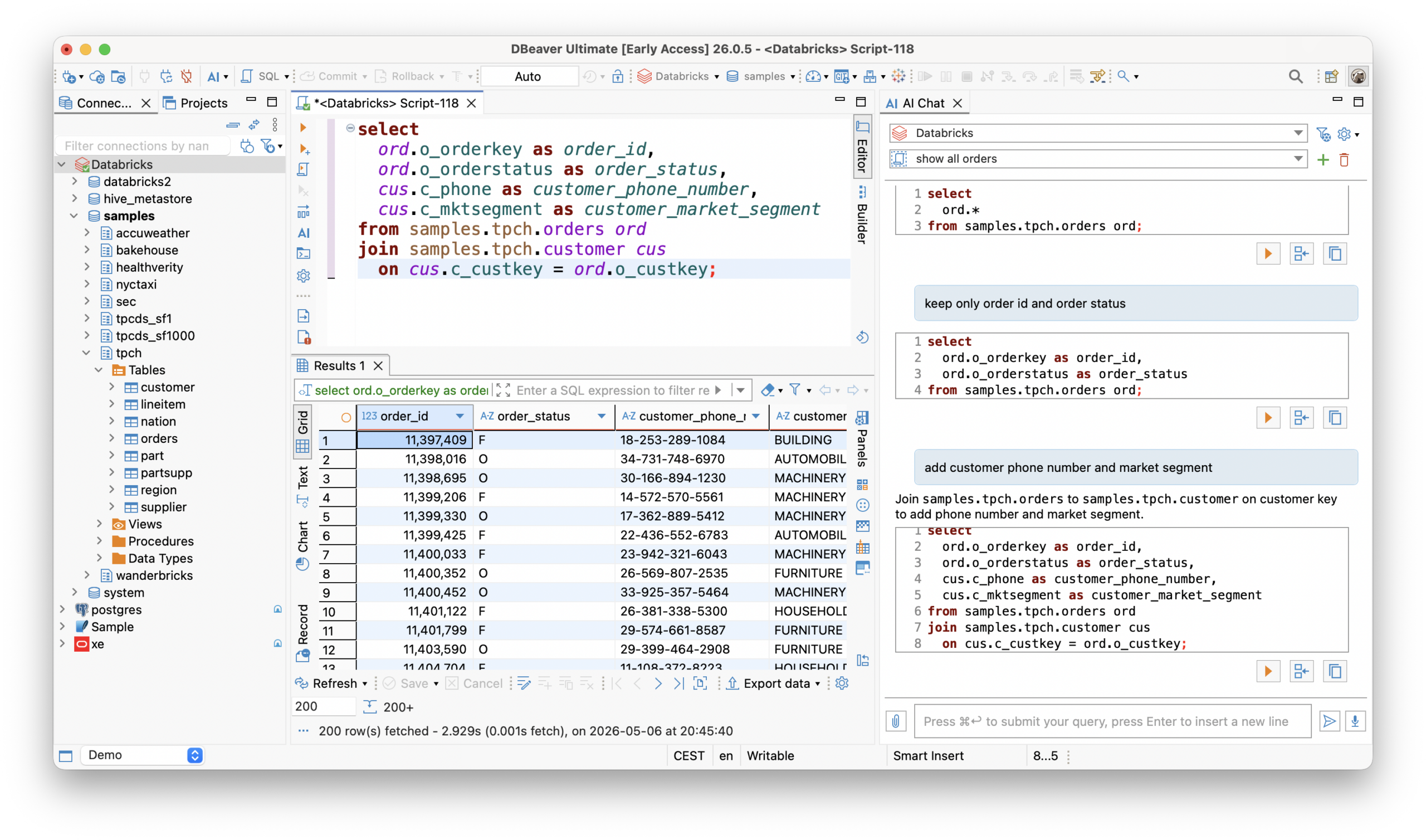
Develop, execute, store, export and re-use your scripts with autocomplete, syntax highlighting and AI assistance functions.
Data Import & Export
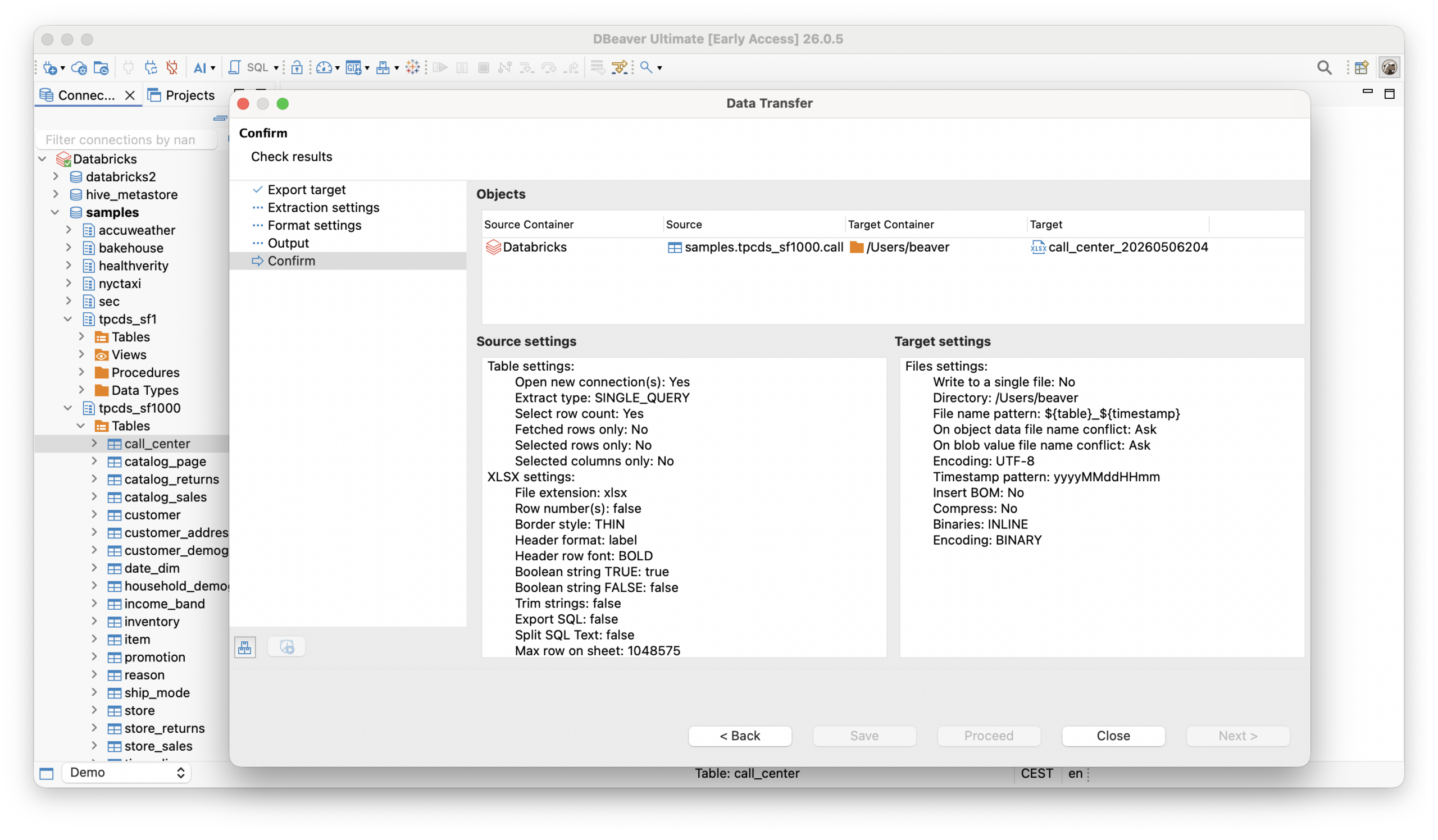
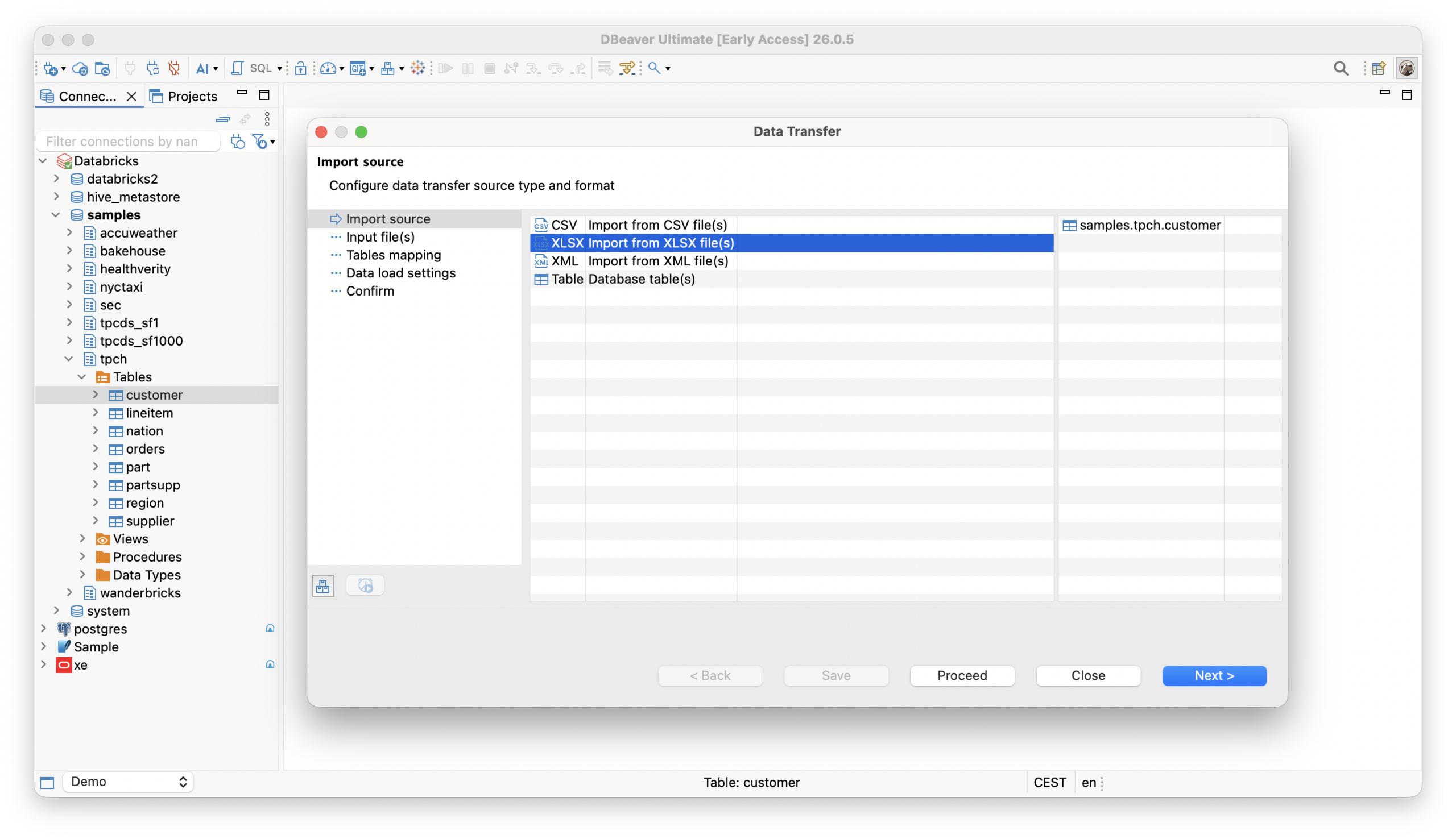
Import and export to/from files or other databases in various file formats: CSV, HTML, XML, JSON, XLS, and more.
Mock Data Generation
Generate test data efficiently, delivering more streamlined results than manual data entry.
ER Diagrams
Visualize table relationships in your Databricks databases.
Schema Compare
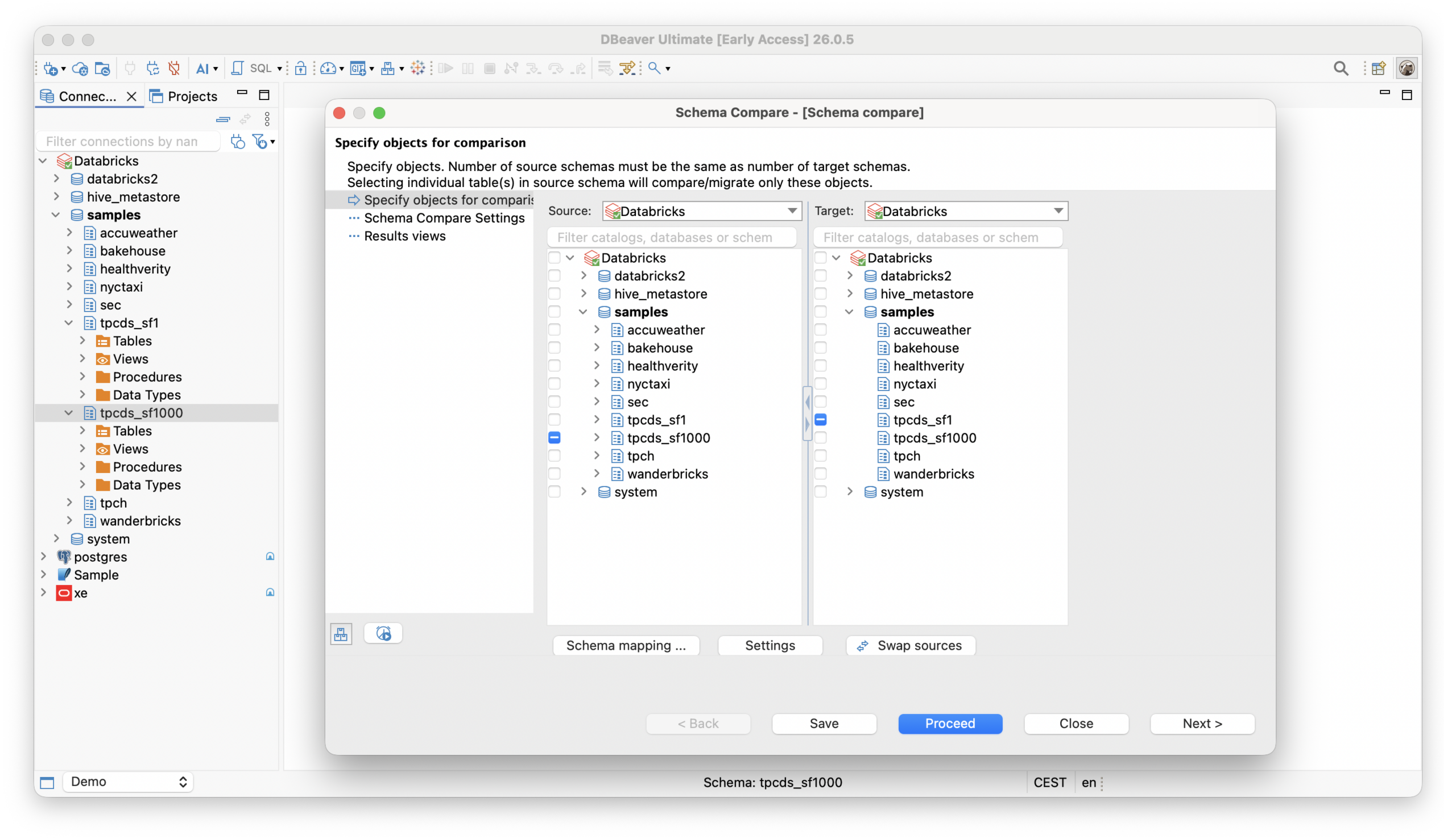
Compare database schemas (staging vs. production) and identify structural differences. Then, synchronize or migrate changes between database environments.

FAQ
-
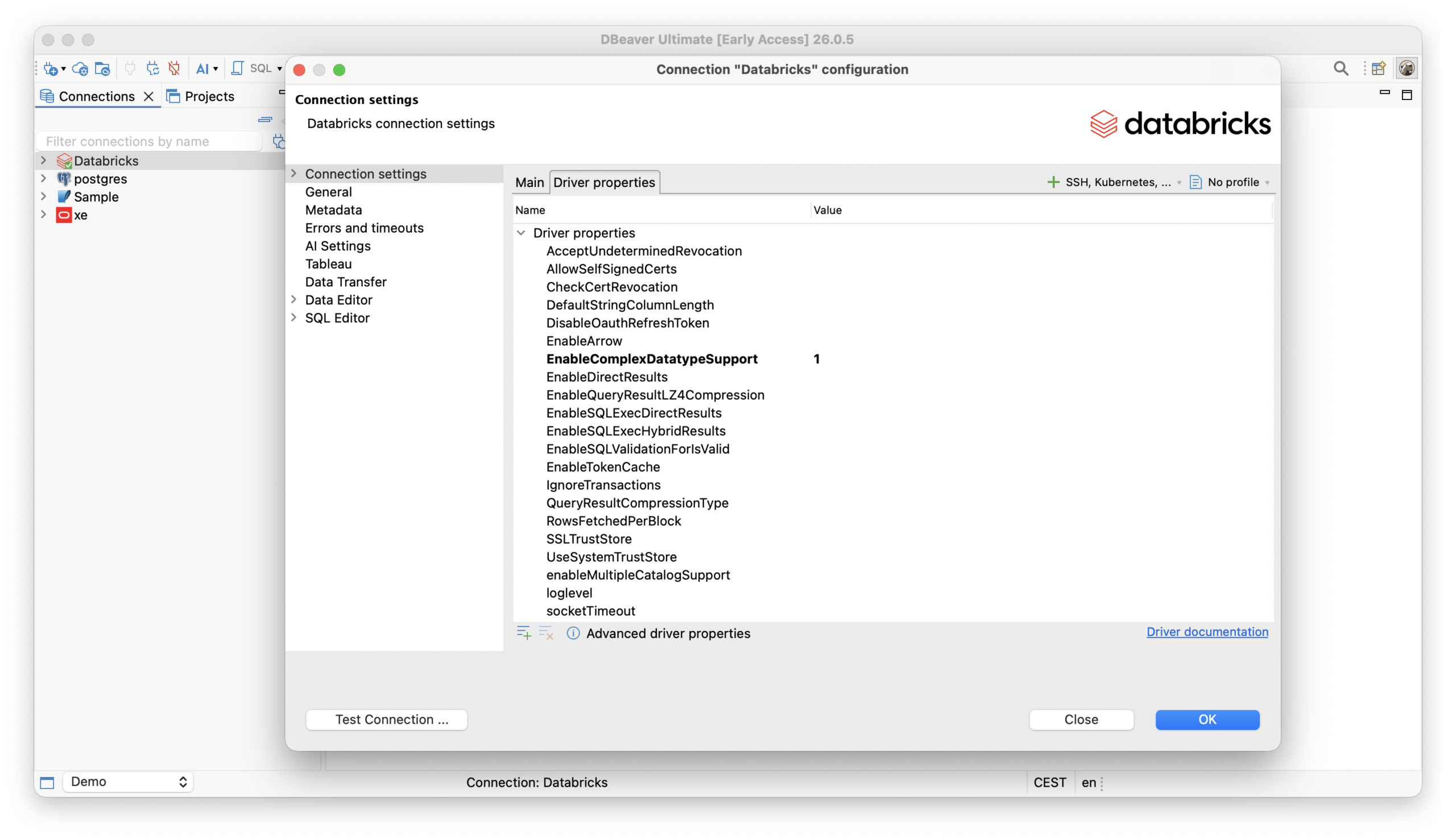
Yes, DBeaver supports secure connection options like SSH, Proxy, Kubernetes, AWS SSM, OAuth, and token-based authentication.
-
Absolutely! DBeaver allows you to work with Databricks alongside various database types in a single unified interface.
-
Yes, you can easily export your Databricks data to Excel, CSV, and many other formats directly within DBeaver.
-
Yes, DBeaver provides ER diagrams that allow you to visually explore and understand database relationships.
-
DBeaver’s SQL Editor includes smart auto-completion, syntax highlighting, real-time validation, and more to help you write SQL queries faster and more efficiently.
Getting started
See how the Databricks integration with DBeaver can improve your data workflow.