

DBeaver Team
Edition
Transform how your team collaborates with data while maintaining enterprise-grade security and compliance. DBeaver Team Edition uses a client-server architecture. This gives your team a private, single database management solution in a web version and desktop app. Team Edition has granular access controls and comprehensive audit capabilities. New team members can get set up and running in minutes with precisely controlled permissions.
Key benefits

Stay aligned on every project
Your team can work on SQL scripts, tables, views, and datasets together in real time. Everyone stays in sync with the same data.

Collaborate on data projects with ease
Share resources and collaborate on scripts across your team in a secure, centralized workspace.

Comprehensive security controls
Keep user data secure with enterprise-grade authentication and a history of all user queries.

Audit and compliance capabilities
Maintain detailed logs, track database operations, and meet regulatory requirements like SOC 2 and ISO certifications with audit trails.
Features
AI
Code
Collaborate
Manage
Choose
Protect
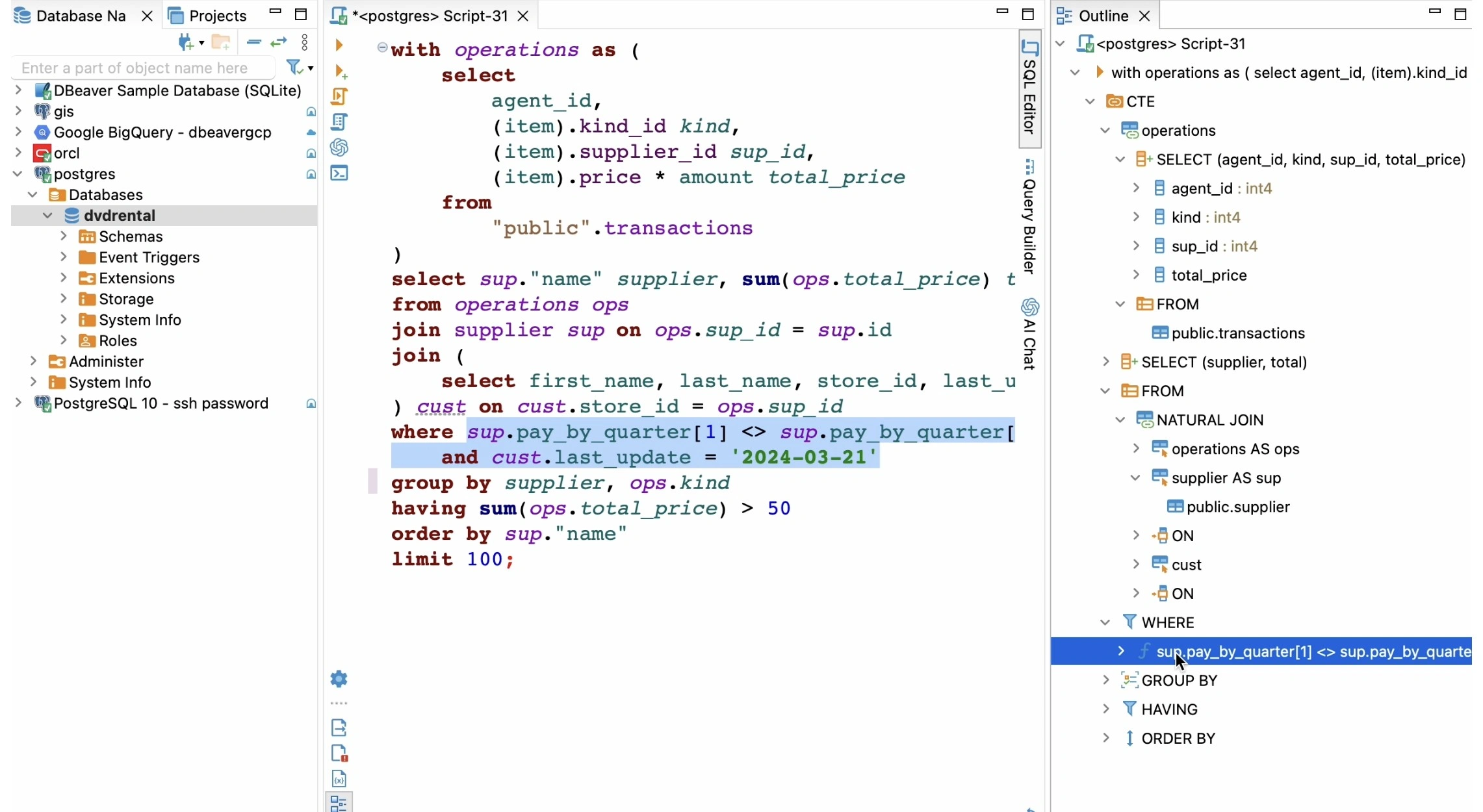
Write, run, and debug complex SQL scripts effortlessly. Advanced features include code completion, query templates, and professional formatting.
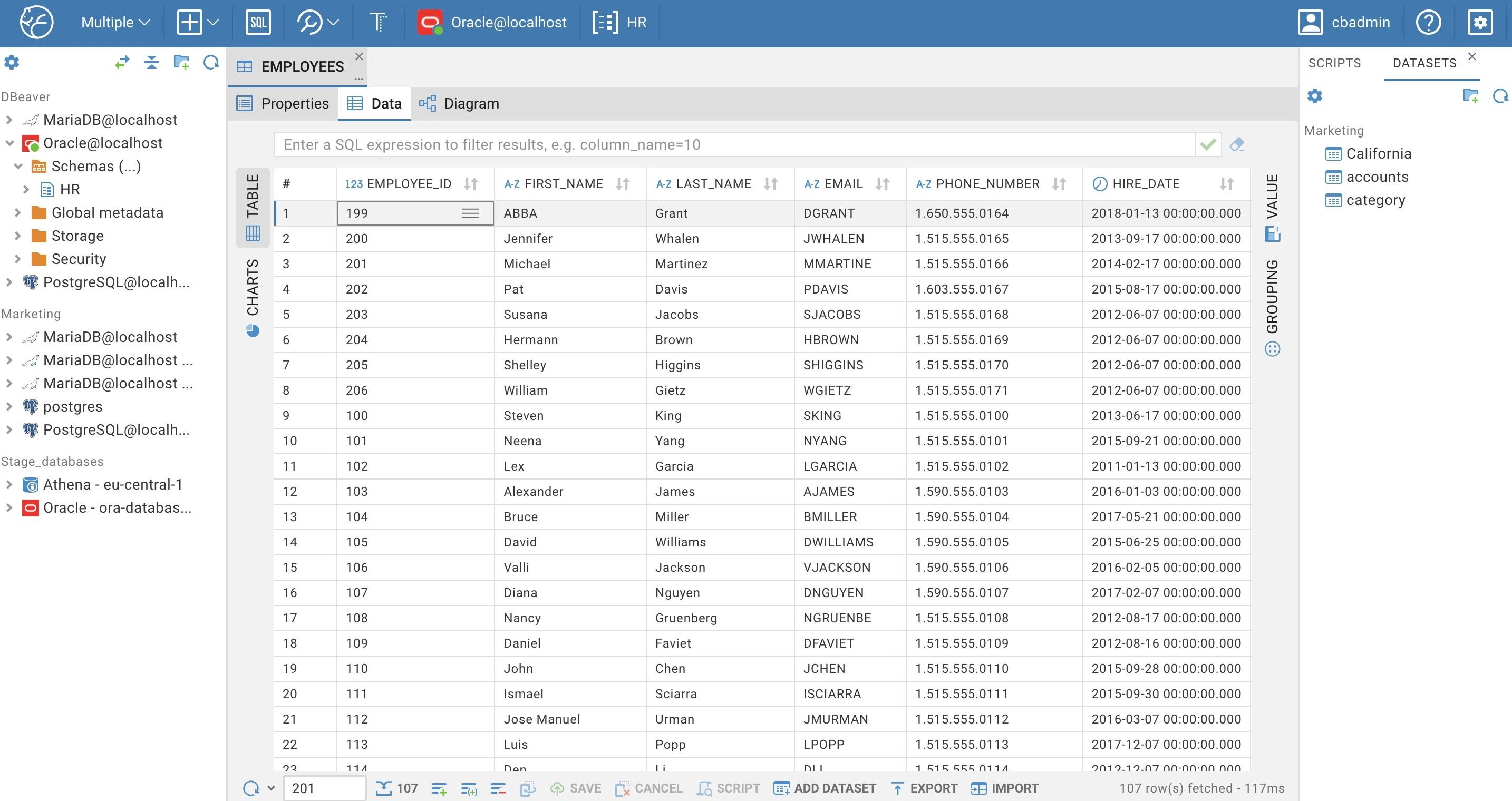
Share resources in a centralized, secure environment, and work on scripts together in real-time. Keep your team in sync and your work organized in one place.
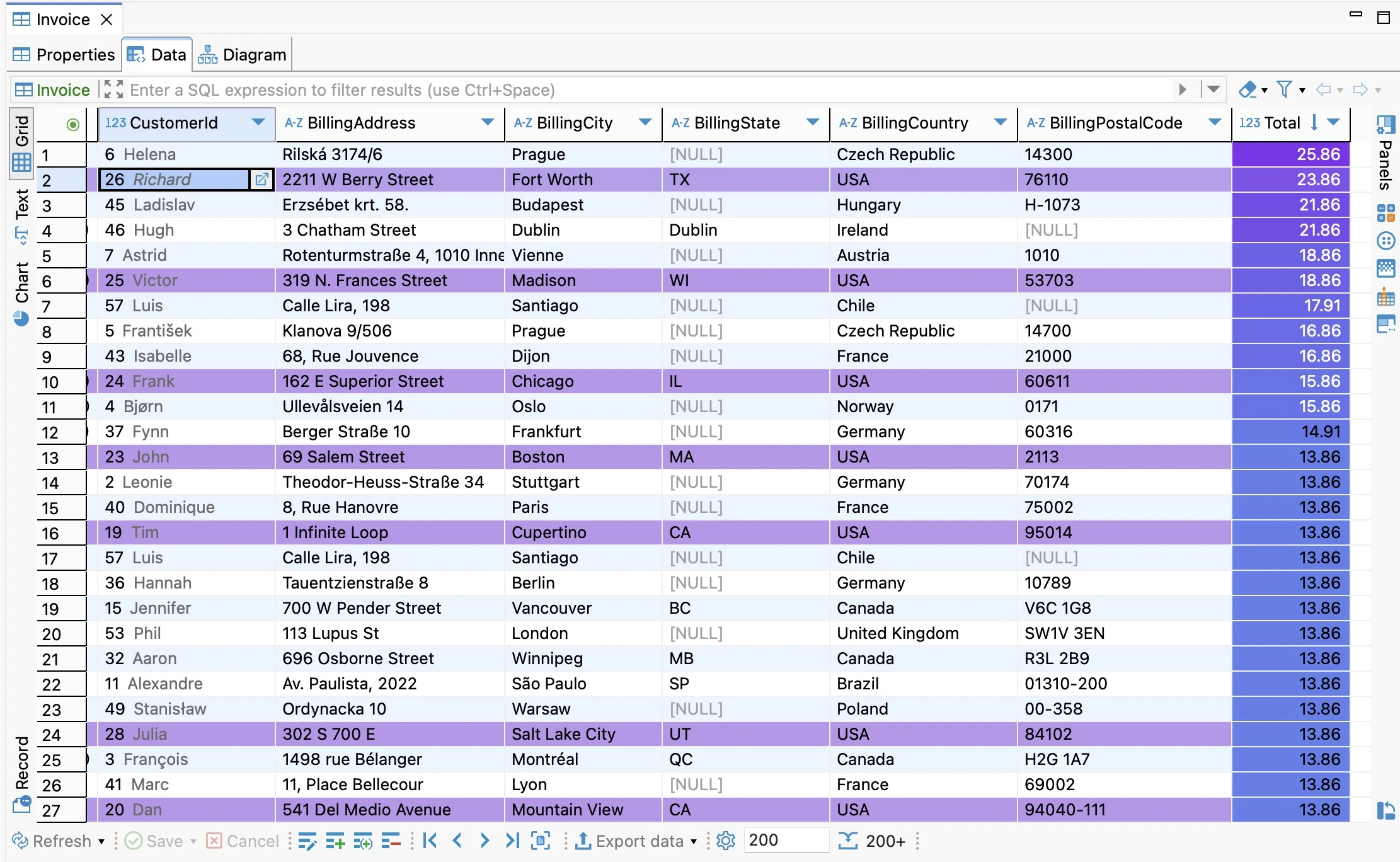
Browse, edit and filter data in a grid mode. Use visualization features to simplify data management and reporting. Create datasets to share necessary data with teammates who have less privileges.
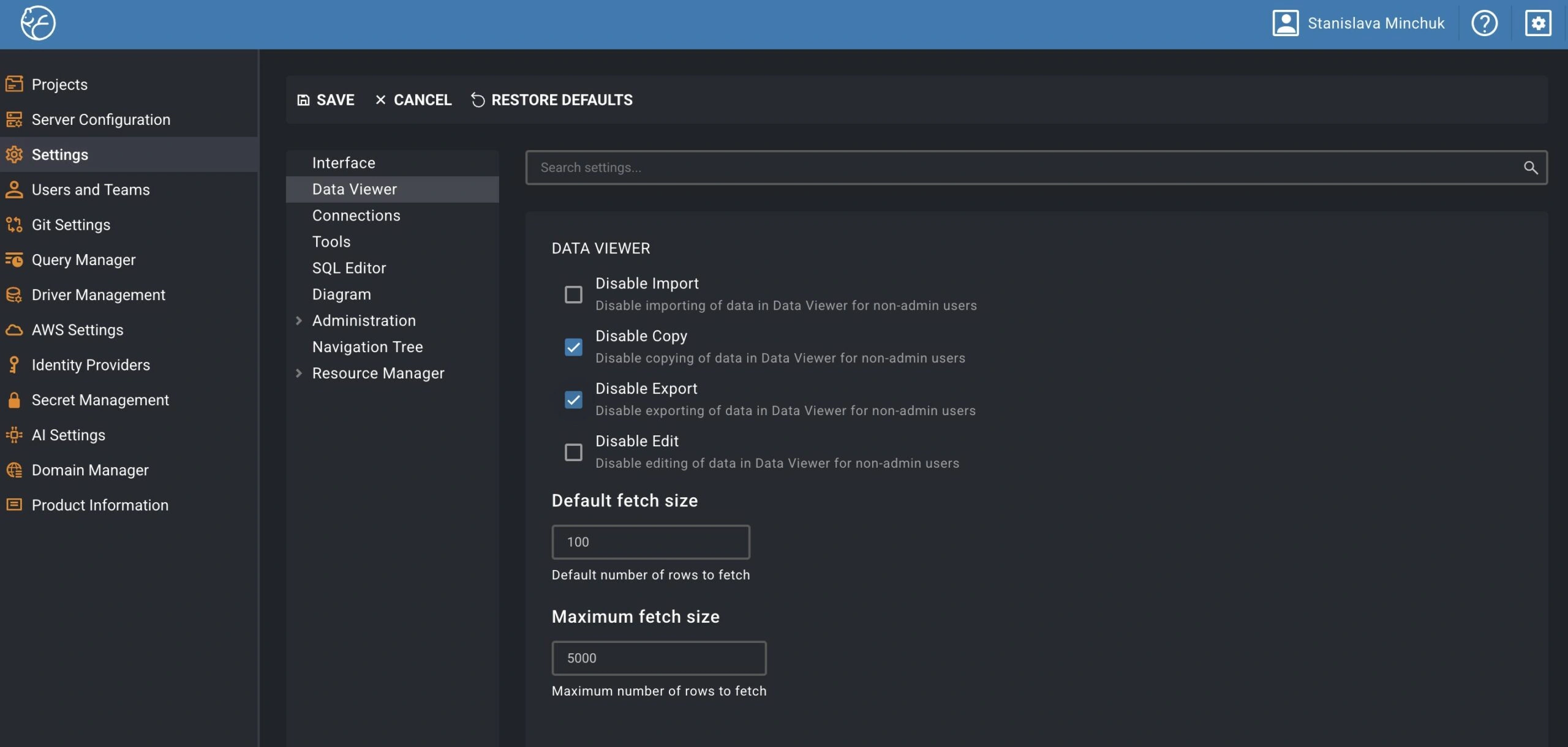
Keep your data safe with dual-layer authentication and enterprise-grade security features. Limit export, copy and edit capabilities. Control the list of available features and database drivers. Store credentials in Secret Manager.
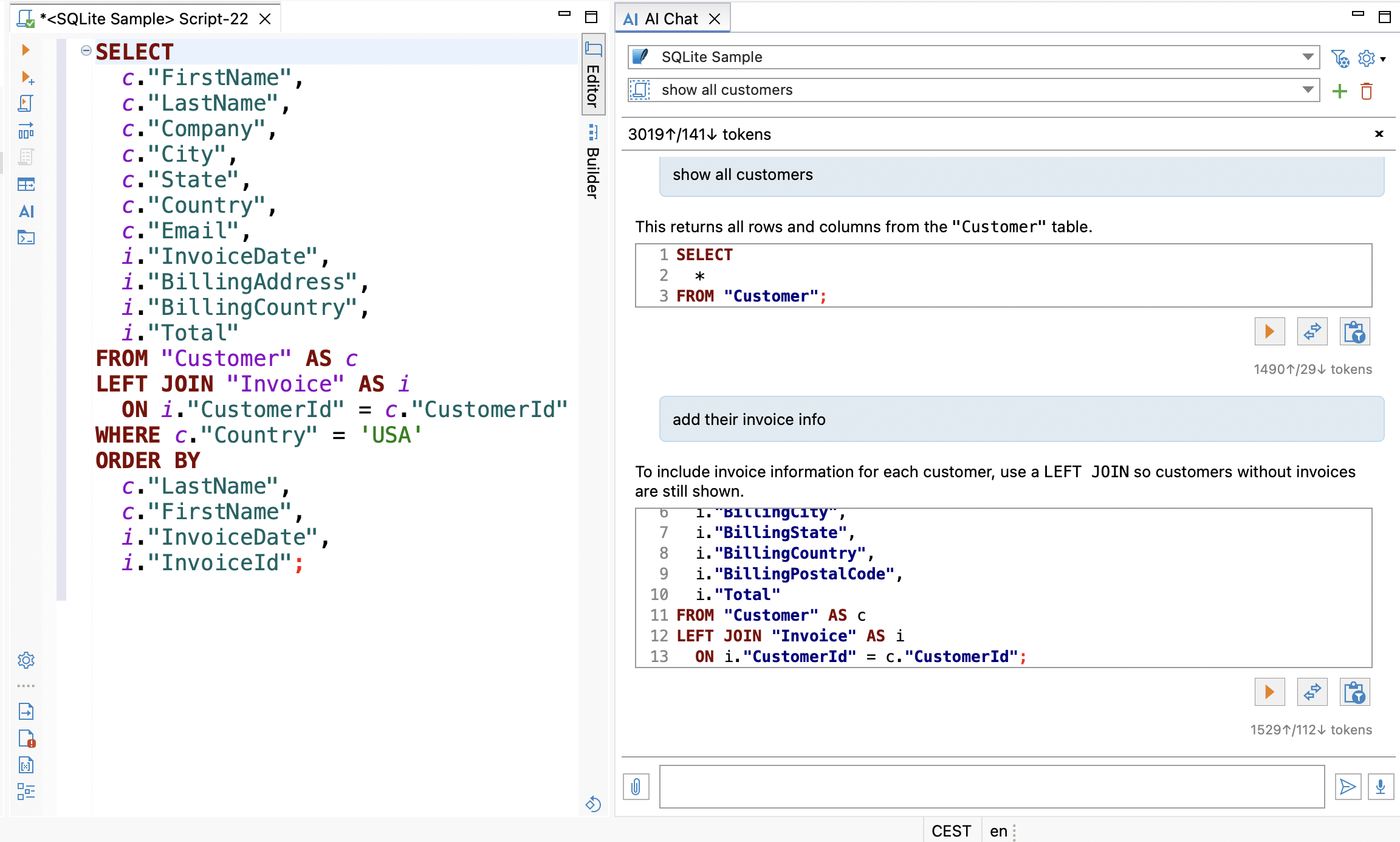
Build and refine queries using AI Chat, instantly resolve SQL errors, and access clear explanations for queries and database objects. Administrators can maintain corporate security policies with central AI control. With MCP integration, AI tools (like IDE assistants) can access schema metadata and run queries through existing connections without direct database credentials.
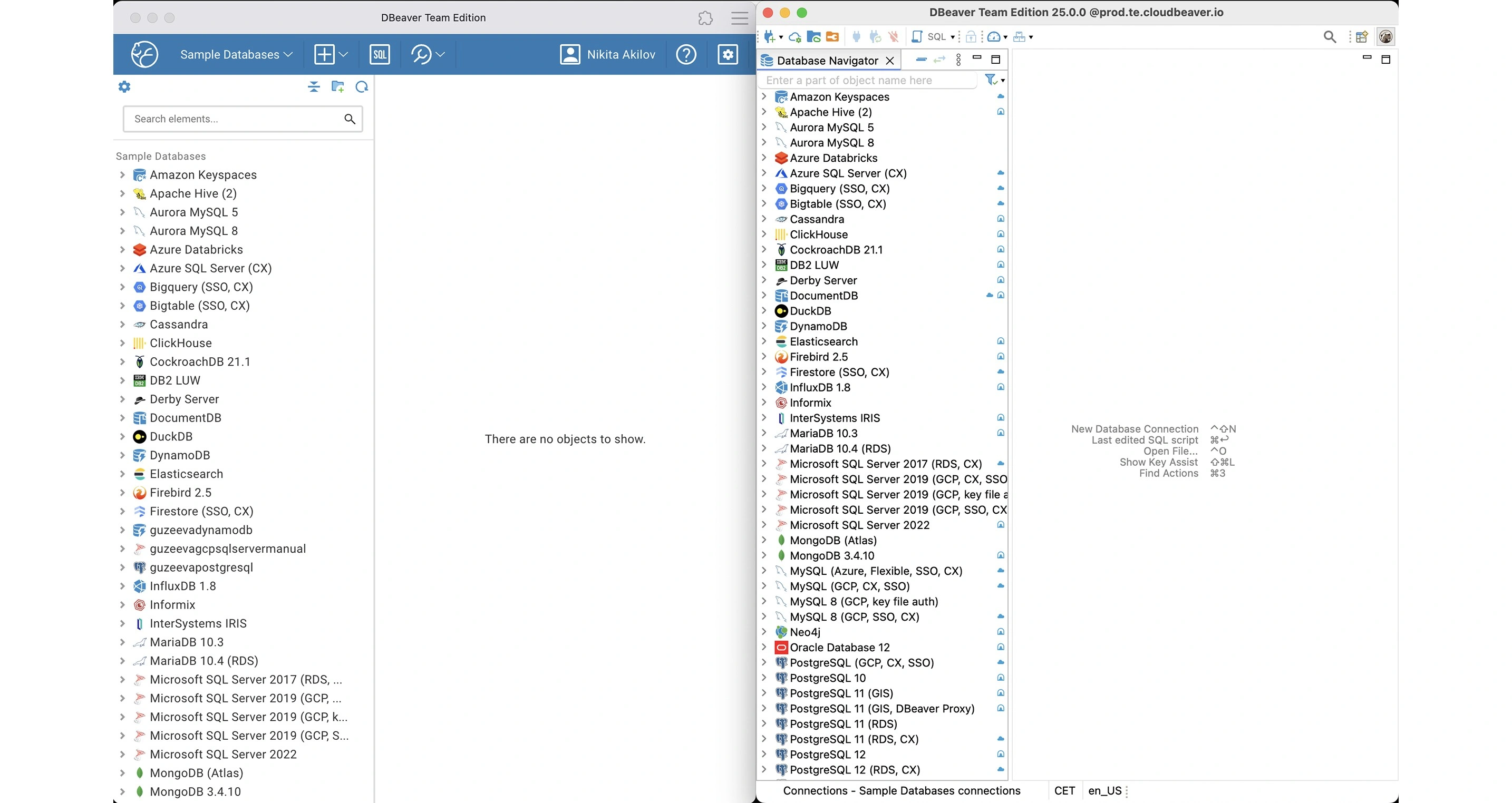
Switch between desktop and web versions with the full-featured toolkit without losing progress on your tasks. Ideal for hybrid and remote teams who need flexibility.
Team Edition is suitable for all data departments:
Team Edition roles

Administrator

Developer

Manager

Editor

Viewer
Tech users
Development
Web Developer


Software Developer
ML Engineer
Data Architect
Operations
DevOps

CloudOps
DBA
Technical Support
Business users
BI & Finance
Data Anlyst

Financial Analyst
CFO
CDO
Sales & Marketing
Sales Manager

Marketing Manager
Product Manager
Content Manager
Comparison table
- Connection
- Administration & Security
- Development
- Data & SQL Management
- Collaboration
| Lite | Enterprise | Ultimate | CloudBeaver | Team | |
|---|---|---|---|---|---|
| Enterprise authentication mechanisms | + | + | + | + | * |
| Advanced security | + | + | + | + | * |
| Task scheduler | + | + | * | ||
| Multicomponent Task manager | + | + | * | ||
| Support for database backup tools | + | + | * | ||
| Data migration | + | + | * | ||
| Database maintenance tools | + | + | * | ||
| Server health dashboards | + | + | * |
| Lite | Enterprise | Ultimate | CloudBeaver | Team | |
|---|---|---|---|---|---|
| SQL execution plan diagram | + | + | + | + | * |
| Entity Relationship diagrams | + | + | + | + | * |
| Database schema development (ERD Edit mode) | + | + | * | ||
| Mock data generation | + | + | * | ||
| SQL Debugger (PostgreSQL) | + | + | * | ||
| Schema compare/migration | + | + | * | ||
| Table data comparison | + | + | * | ||
| Sync projects to the Git repository | + | + | * |
| Lite | Enterprise | Ultimate | CloudBeaver | Team | |
|---|---|---|---|---|---|
| SQL editor | + | + | + | + | * |
| Visual Query Builder | + | + | + | + | * |
| Data editor | + | + | + | + | * |
| Query history | + | + | + | + | * |
| GIS data viewer | + | + | + | + | * |
| Data export/import | + | + | + | + | * |
| Analytical charts | + | + | + | + | * |
| AI Assistant in SQL editor | + | + | + | + | * |
| Tableau integration | + | + | * |
| Lite | Enterprise | Ultimate | CloudBeaver | Team | |
|---|---|---|---|---|---|
| All users query history | + | * | |||
| Data collaboration in real time | + | * | |||
| Shared scripts and database connections | + | * | |||
| Unified user access to the workspace via SAML, Azure AD, or SSO | + | * | |||
| Unlimited shared projects and datasets | * | ||||
| Advanced Role Management | * | ||||
| Load Scalability | * |
Try Team Edition for free
See results in 14 days
Experience DBeaver Ultimate’s hybrid cloud database management across AWS, Azure, and GCP. Get your 14-day free trial. No credit card required.
Book a personalized demo
Request configuration and setup assistance, schedule a demo, or learn about custom pricing.