

Roles
You can use roles to manage connection permissions in CloudBeaver. As a role is added to a user, the role connections become available for the user on the main page.
The Admin and User roles are available by default.
| Role | Connections created in Easy Config | Connections created in Administration | Administration menu |
|---|---|---|---|
| Admin | Yes | Yes | Yes |
| User | Available by default. Can be deleted | Not available by default. Can be added | No |
The Administrator can create custom roles on the Roles tab of the Administration menu.
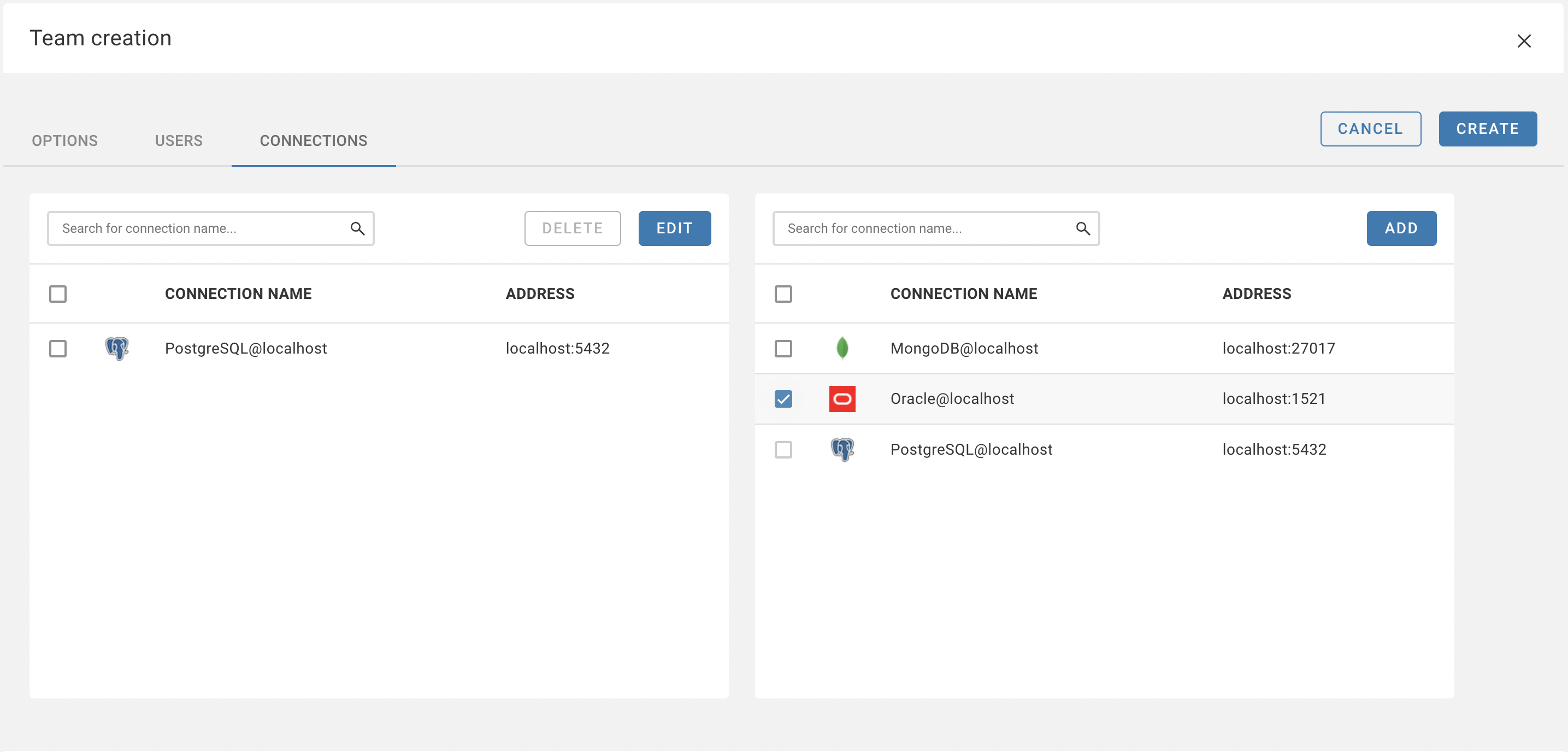
Also, connection access can be configured in the Connection and User dialogs.
Connection dialog
