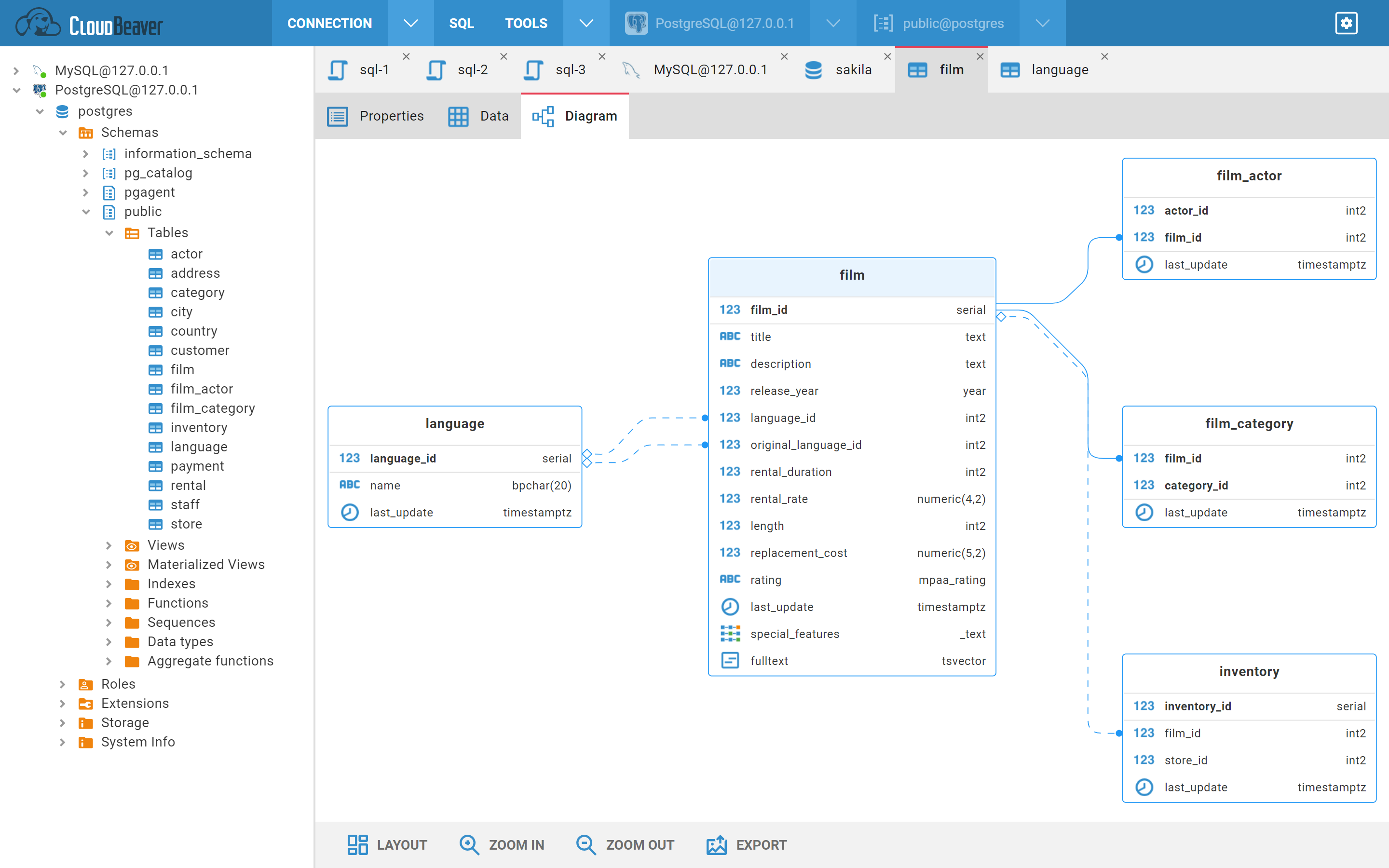
Entity Diagrams
Features
- Display entities with attributes
- Display relations
- Navigation to entity/attribute metadata editor
- Highlighting
- Auto layout
- Entity drag & drop
- Zoom
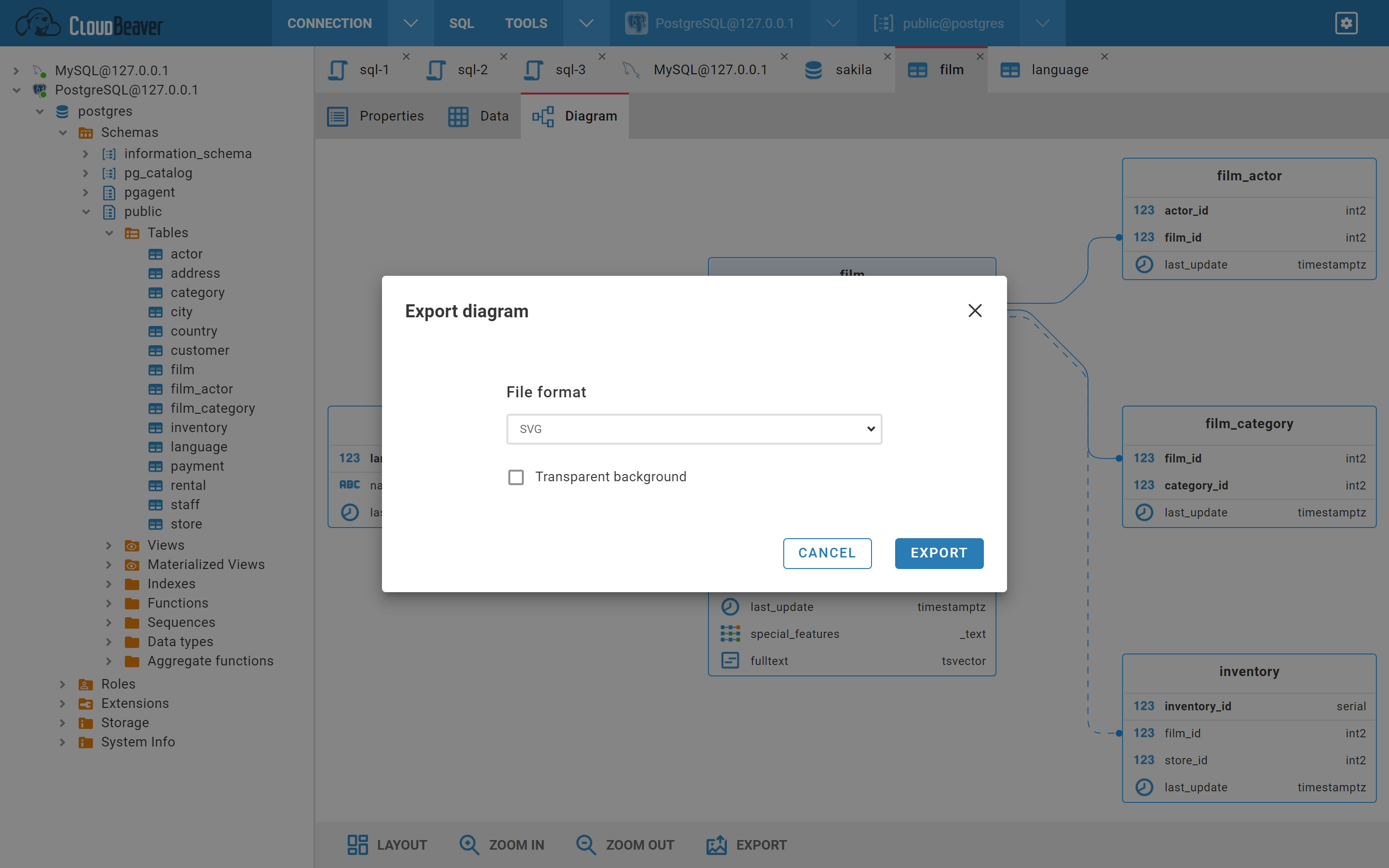
- Export to png/svg
Overview
Display entities with attributes
- Navigate to your connection and open a table or schema
- Select the "Diagram" tab (if the tab is not presented then the object does not support the diagram presentation)
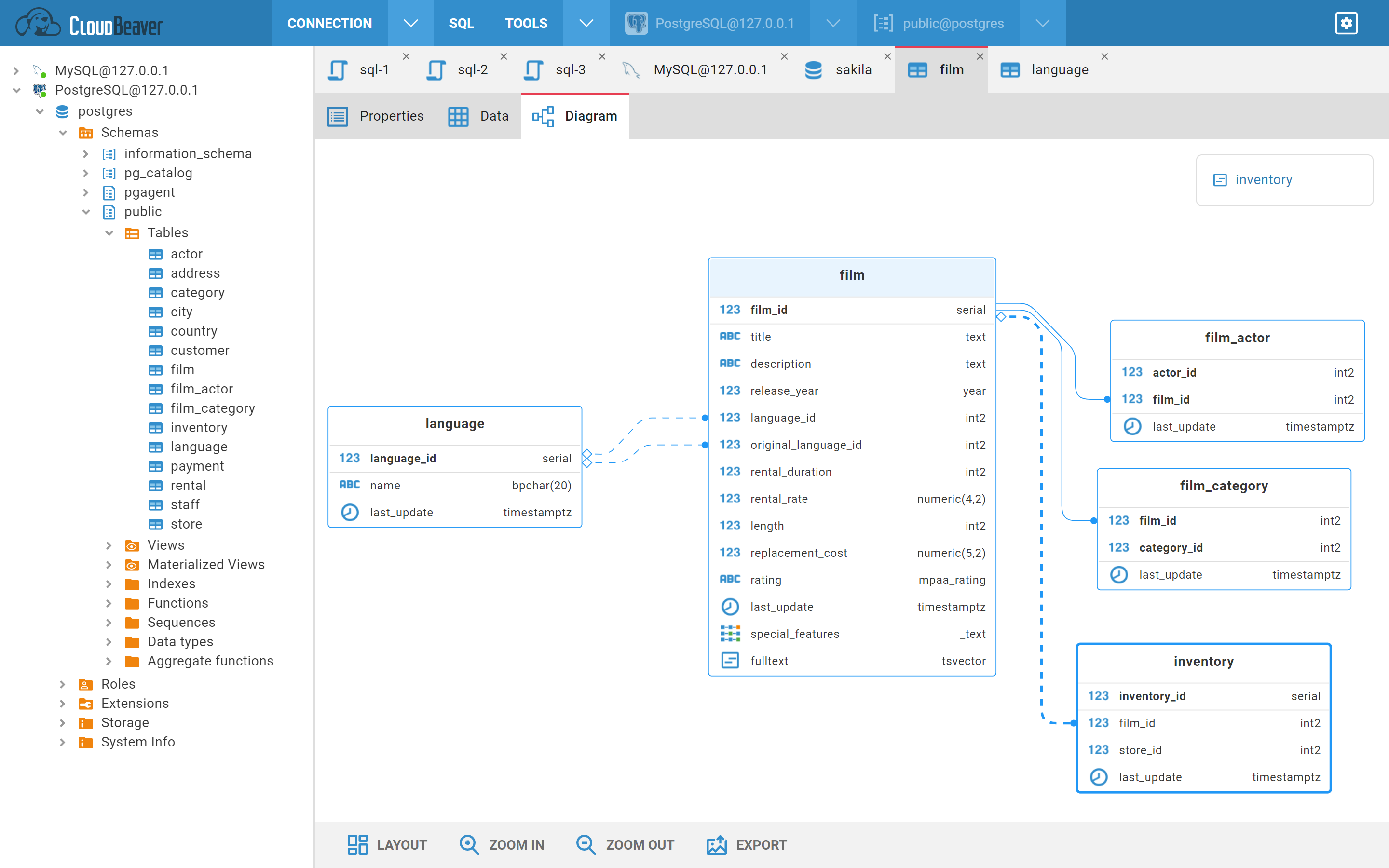
You can click on an entity to highlight it:
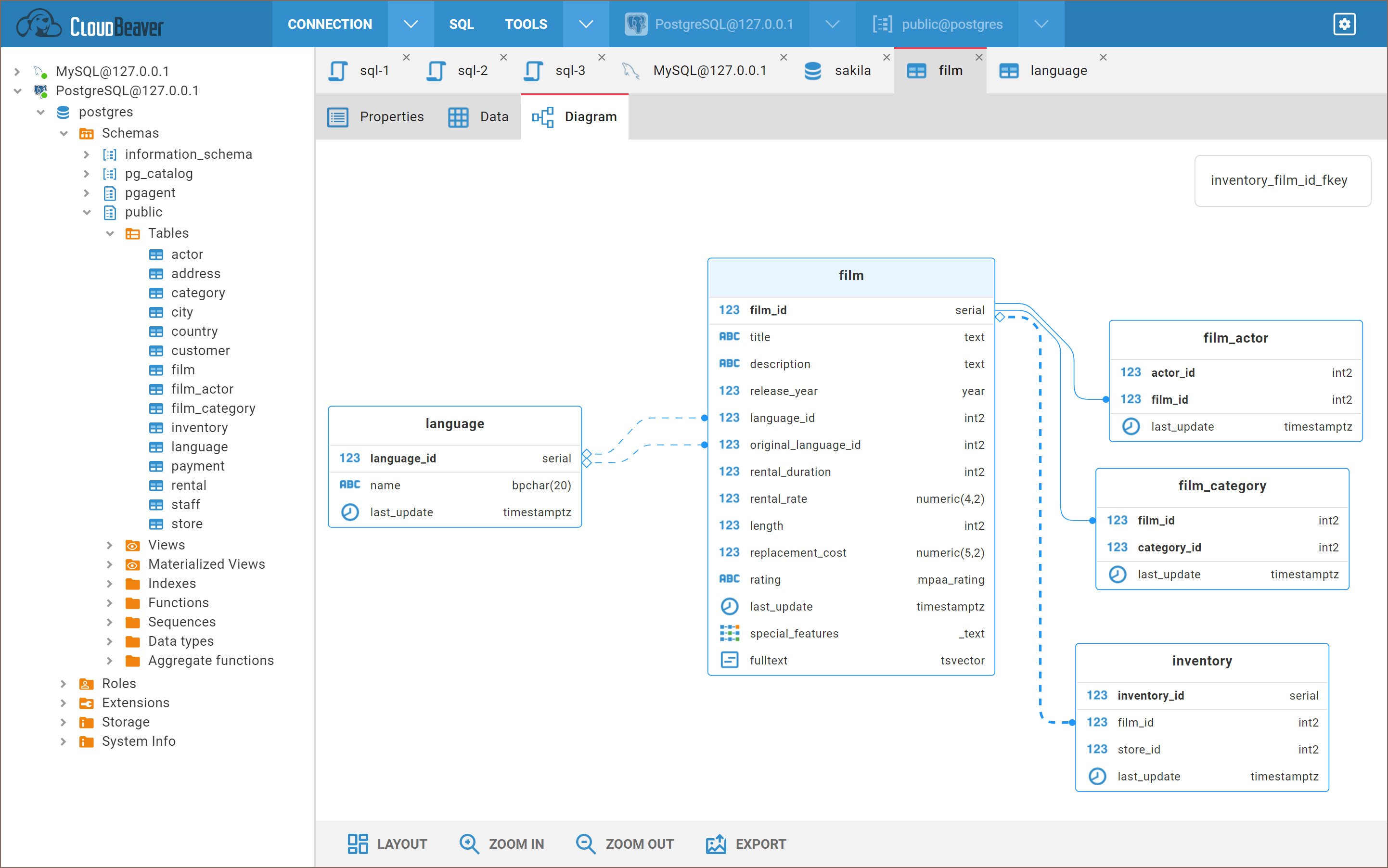
You can click on a relation to get highlight it:
You can open the entity in the metadata editor by:
- double-clicking on the entity
- double-clicking on the entity attribute
- clicking on the link in the entity tooltip
On the bottom toolbar you can find different buttons:
- Layout - diagram auto layout
- Zoom in/out
- Export - export diagram in a
pngorsvgformat