

Administration
Overview
Initial Server Configuration
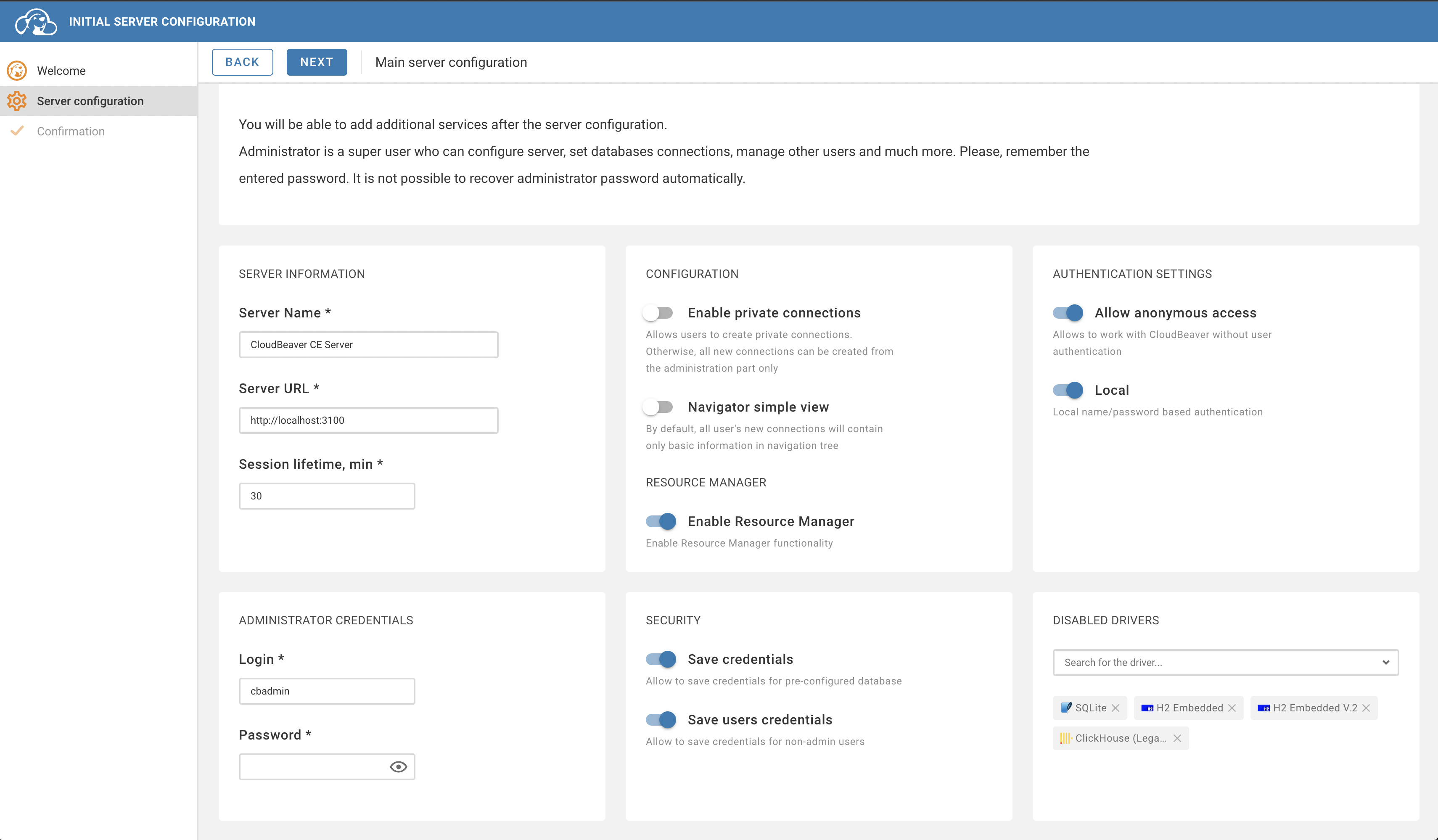
Upon launching the application for the first time, it necessitates an initial setup process. This setup primarily involves configuring specific aspects of the application to ensure optimal functionality.
The initial configuration is a vital step to ensure that the application functions properly and according to your preferences.
The base application settings require certain essential configurations on initial launch. This includes the following components: administrator account, server info and base application behavior
Entering administration page
After the initial server configuration, you can login as an administrator:
- If the authentication is enabled: Settings (top right corner, the cog icon) > login
- Another option is to enter
/#/adminpage
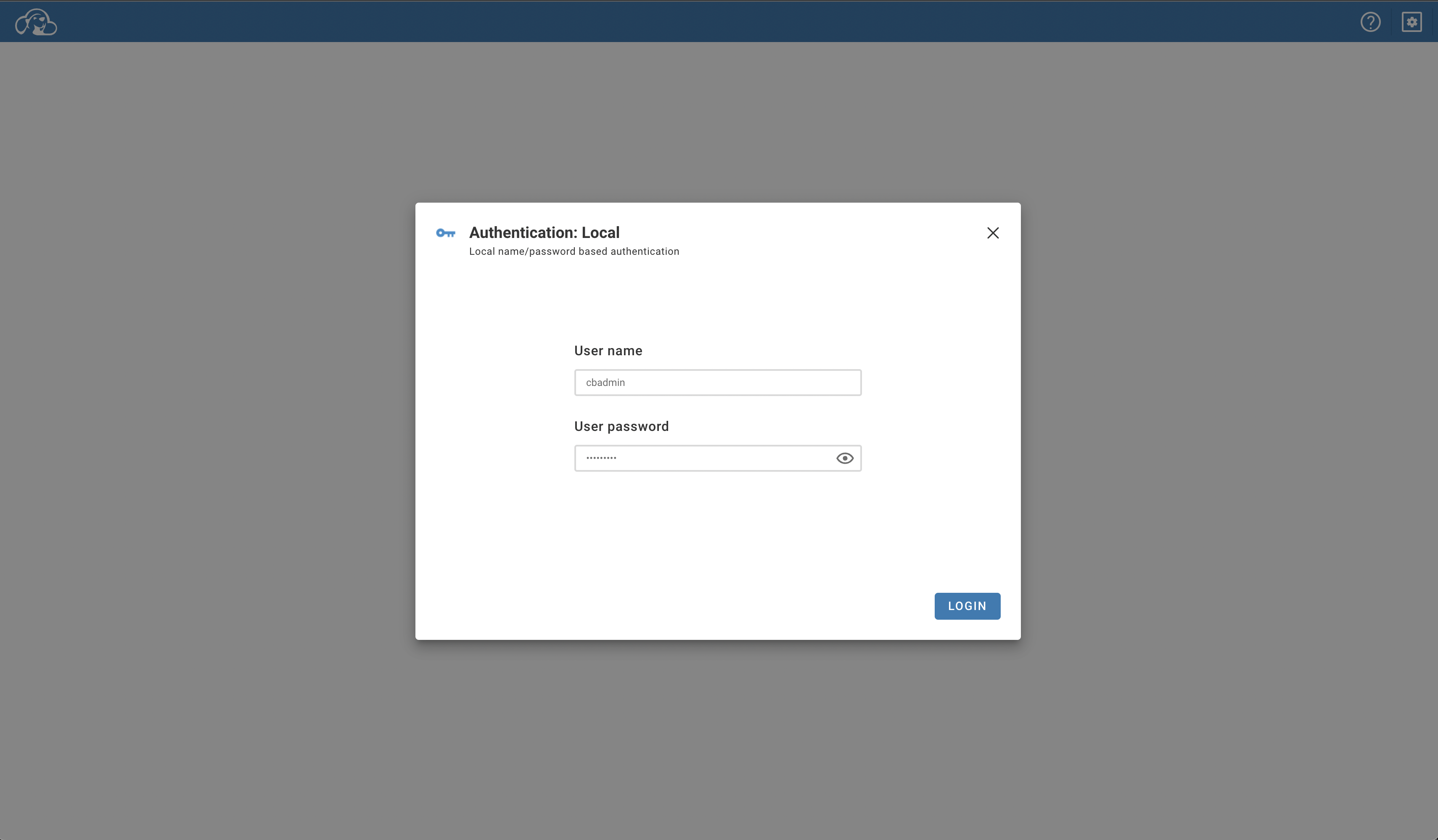
After successful authentication with the administrator account, you can enter Administration page:
- via settings Settings (top right corner, the cog icon) > Administration
- Directly go to
/#/adminpage
Connection Templates
On the administration page, select the Connection Templates tab. On the Connection Templates tab you can create or delete templates. You can read more about it here.
Access Management
On the administration page, select the Access Management tab. On the Users tab you can create, delete and edit users. You can read more about it here.
Server configuration
On the administration page select the Server configuration tab. On the Server configuration tab you can edit the base application settings. You can read more about it here.