SQL Editor overview
Overview
Description
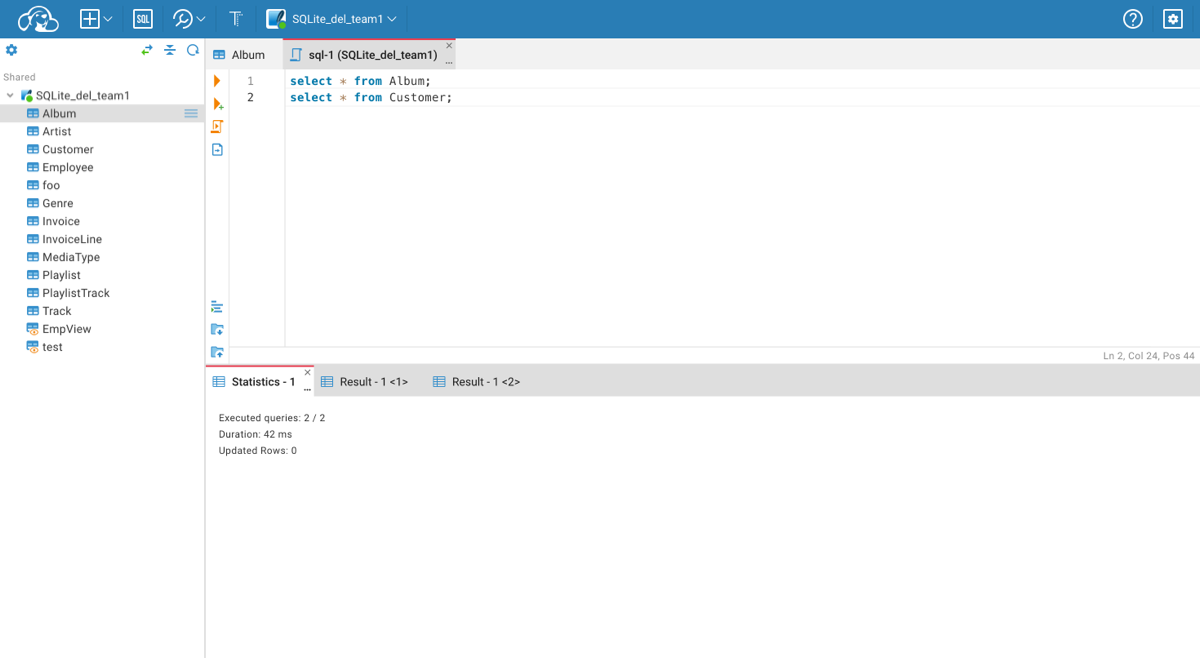
SQL Editor supports autocomplete, syntax highlight, statement execution, script execution, and execution plan for some databases.
Shortcuts
| Shortcut | Description |
|---|---|
| Ctrl+Enter | Execute SQL statement |
| Ctrl+\ or Ctrl+Shift+Enter | Execute SQL statement in new tab |
| Alt+X | Execute script |
| Shift+Ctrl+E | Show execution plan |
| Alt+T | Open SQL Editor in separate browser tab |
| Shift+Ctrl+F | Format script |
| Ctrl+Z or CMD+Z | Undo |
| Ctrl+Y or Ctrl+Shift+Z or Shift+CMD+Z or CMD+Y | Redo |
Statement Execution
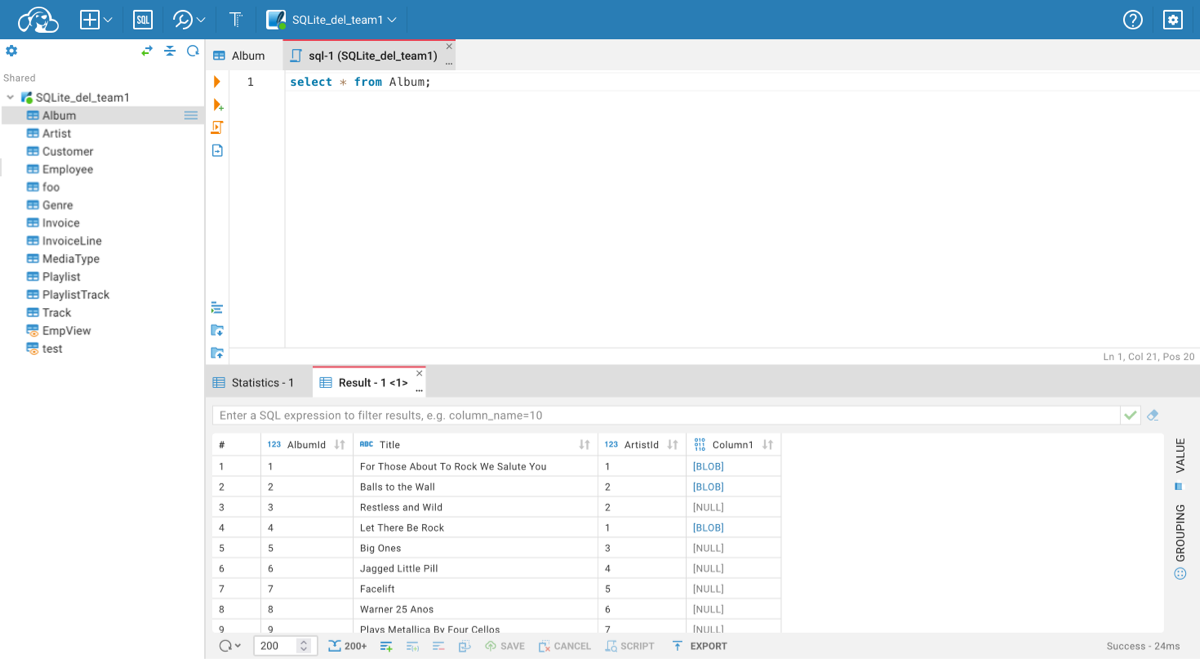
Place the cursor on the line with the statement or select part of the script to execute the statement. Click on the Run icon in the left toolbar or use the Ctrl+Enter shortcut. The result of the statement execution will be shown under the script editor area. Results will be grouped (Result - 1 <1>, Result - 1 <2>) if statement execution is finished with more than one result.
Script Execution
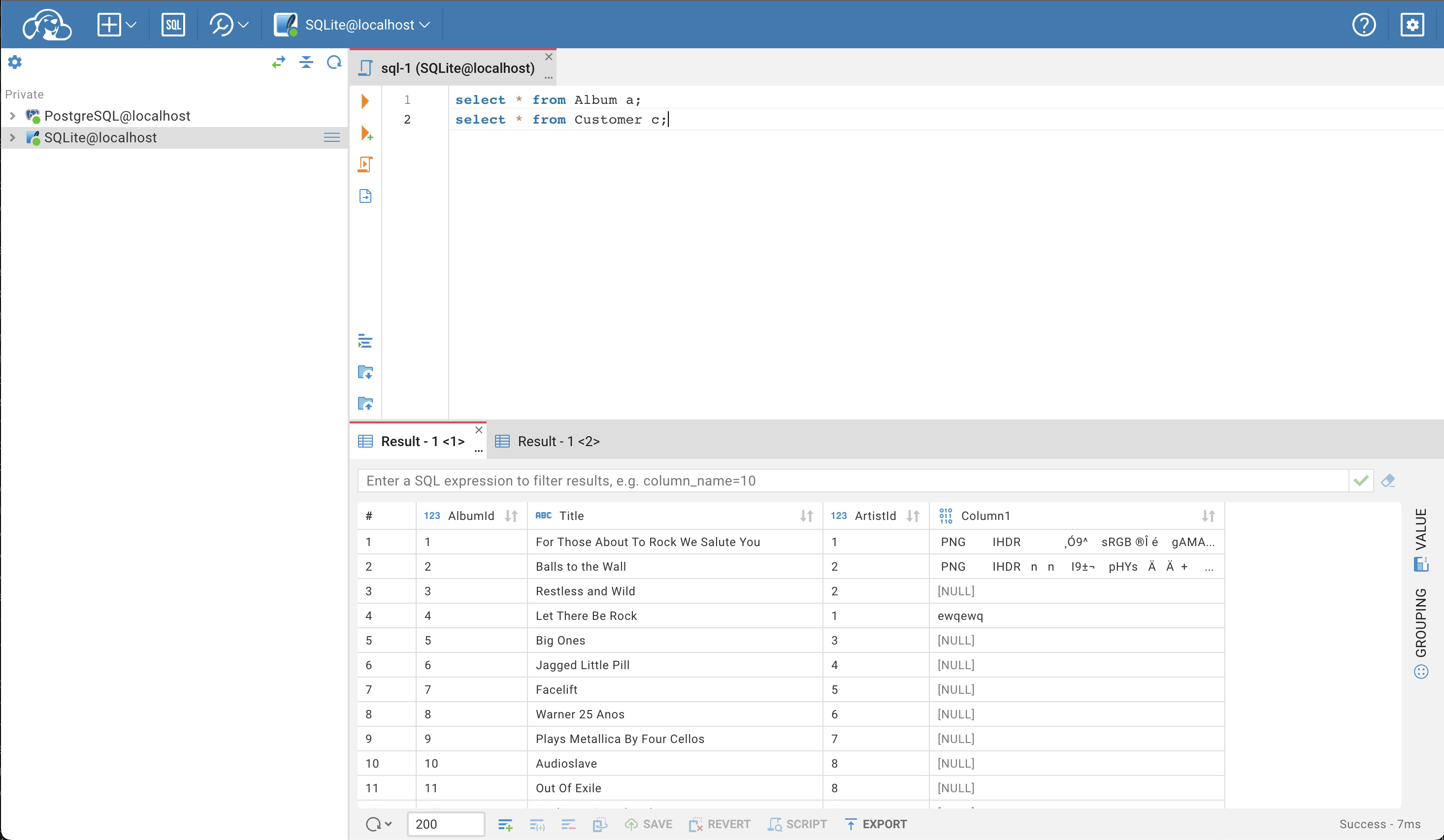
Click on the Script icon in the left toolbar or use the Alt+X shortcut to execute the script. The summary result will be shown in the Statistics tab, and results will be shown in separate Result tabs.