

Search
Search data in CloudBeaver using the Find and Replace feature. It lets you quickly locate values, navigate results, and update data without manual scanning.
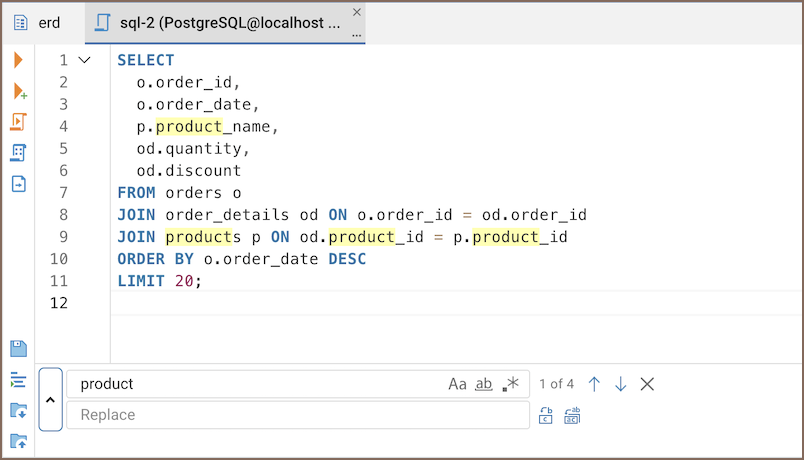
Where you can use search
In CloudBeaver, you can use it in:

Use search
-
Press Ctrl+F (Windows/Linux) or Cmd+F (macOS).
Tip
To close the panel, press Esc.
-
Fine-tune your search.
Use the toolbar to fine-tune your search and perform replacements:
Button Description Shortcut Aa Toggle case sensitivity. ab Match whole word. .* Enable regular expressions. ↑ Find previous search result. Shift+Enter ↓ Find next search result. Enter ▼ Toggle replace. Replace Replace the selected result. Replace all Replace all results in the current context.
Note
In read-only tables, only Find is available.